Hire a linguist at Smartcat Marketplace
Overview
There will be times when you need a human professional to do the translation or editing for you. Smartcat hosts the industry's largest database of vetted linguists and translation agencies. This guide shows you how to find and hire a qualified linguist for your translation needs.
There are two ways you can hire a freelancer for your task.
Hire a linguist with Smartcat AI
- Click Invite in tasks on the Overview tab
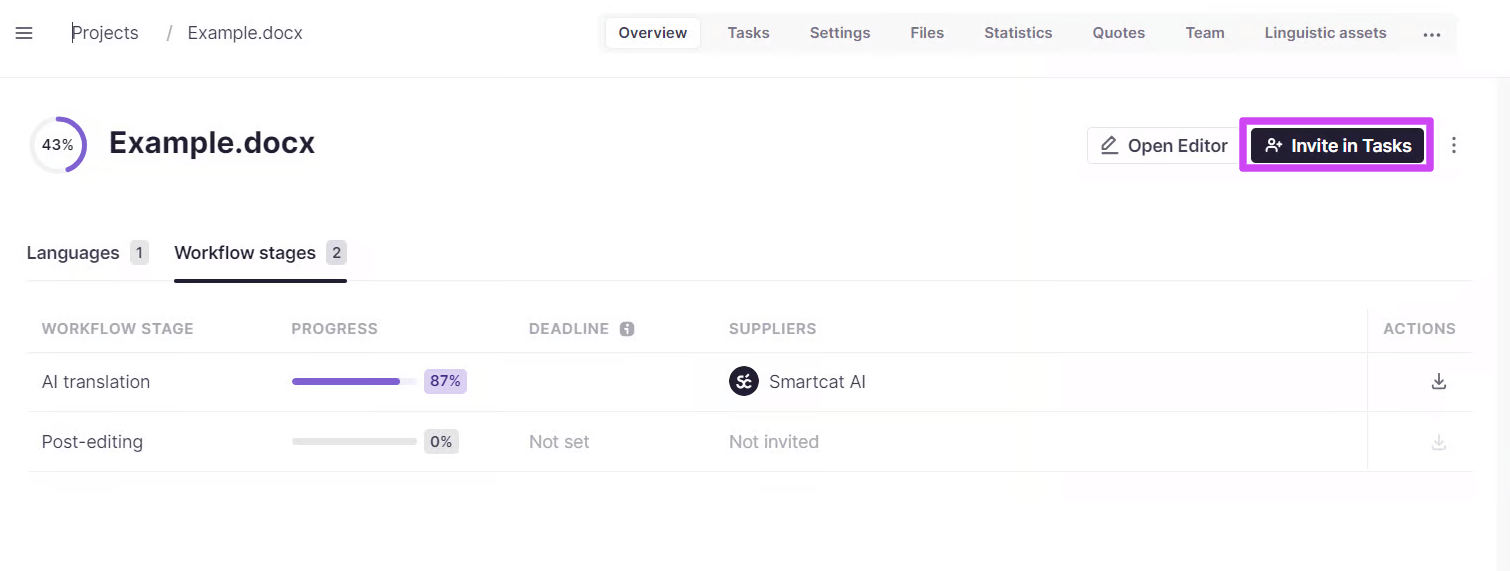
Smartcat sends the invitation to review your translation to the first linguist selected by Smartcat AI based on your language pair. The algorithm finds the best-rated professional at the lowest cost for your language pair.
-
The selected linguist accepts the invitation and does the work. You can track the progress on the Translation overview page
-
As soon as the translation is finished, you find the invoice on the Payments page. For more information about paying freelancers via Smartcat, refer to this article
Smartcat AI handles the linguist selection so your task moves forward without manual screening.
Hire a professional from your project page
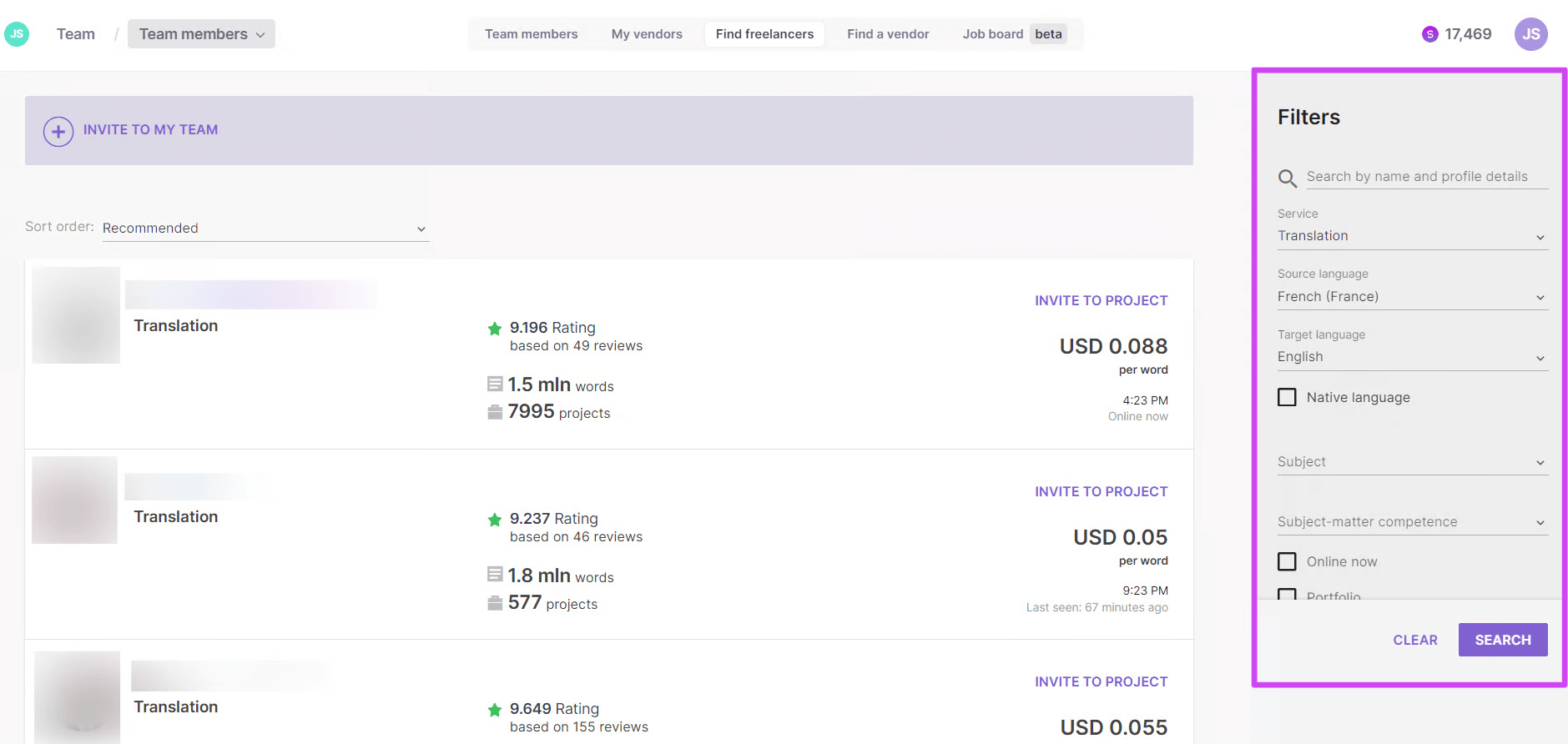
- Go to the Find Freelancers tab of the Team page and use the different criteria (shown on the right side of the page) to screen freelancers
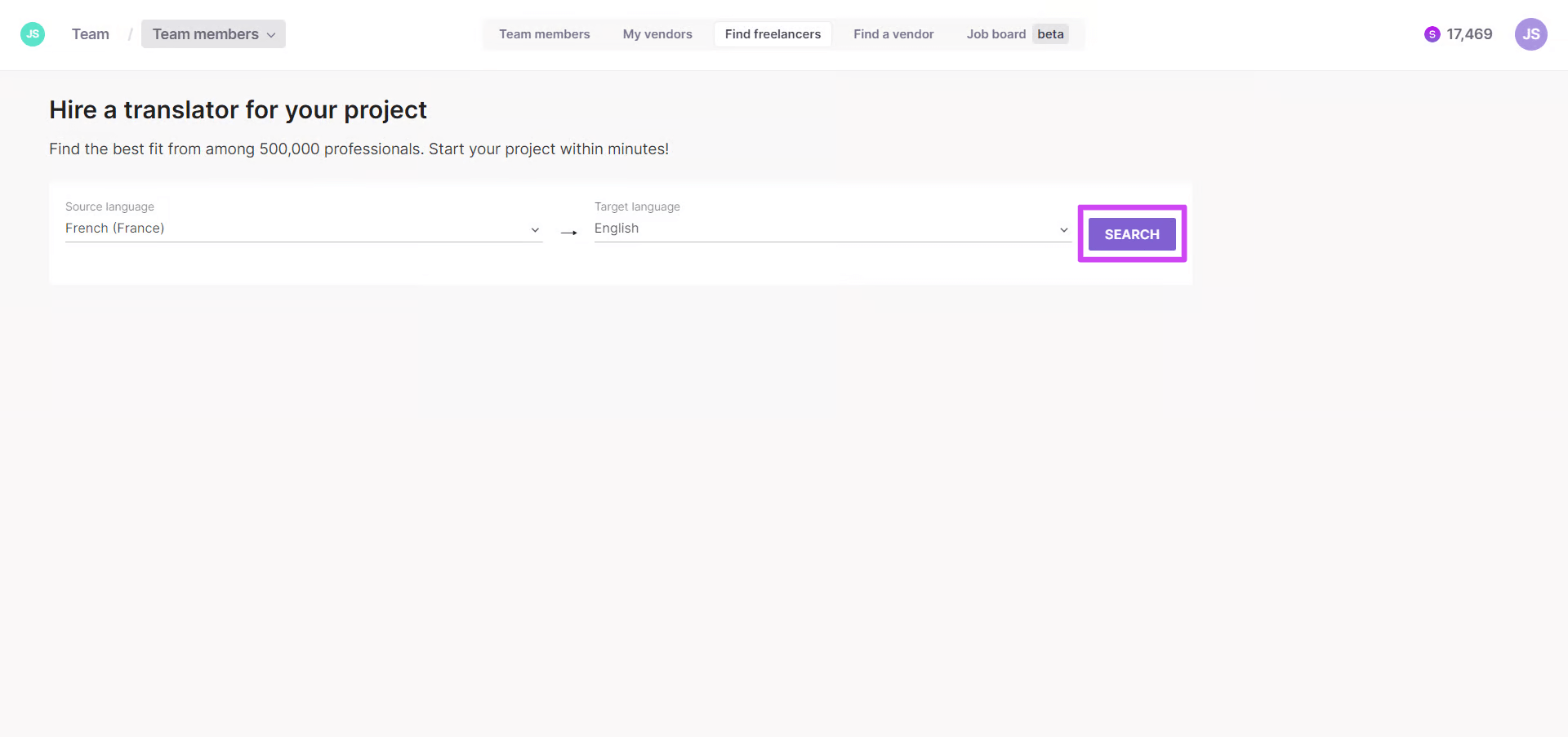
- Explore the list of freelancers. Use additional filters such as subject matter or pricing if needed
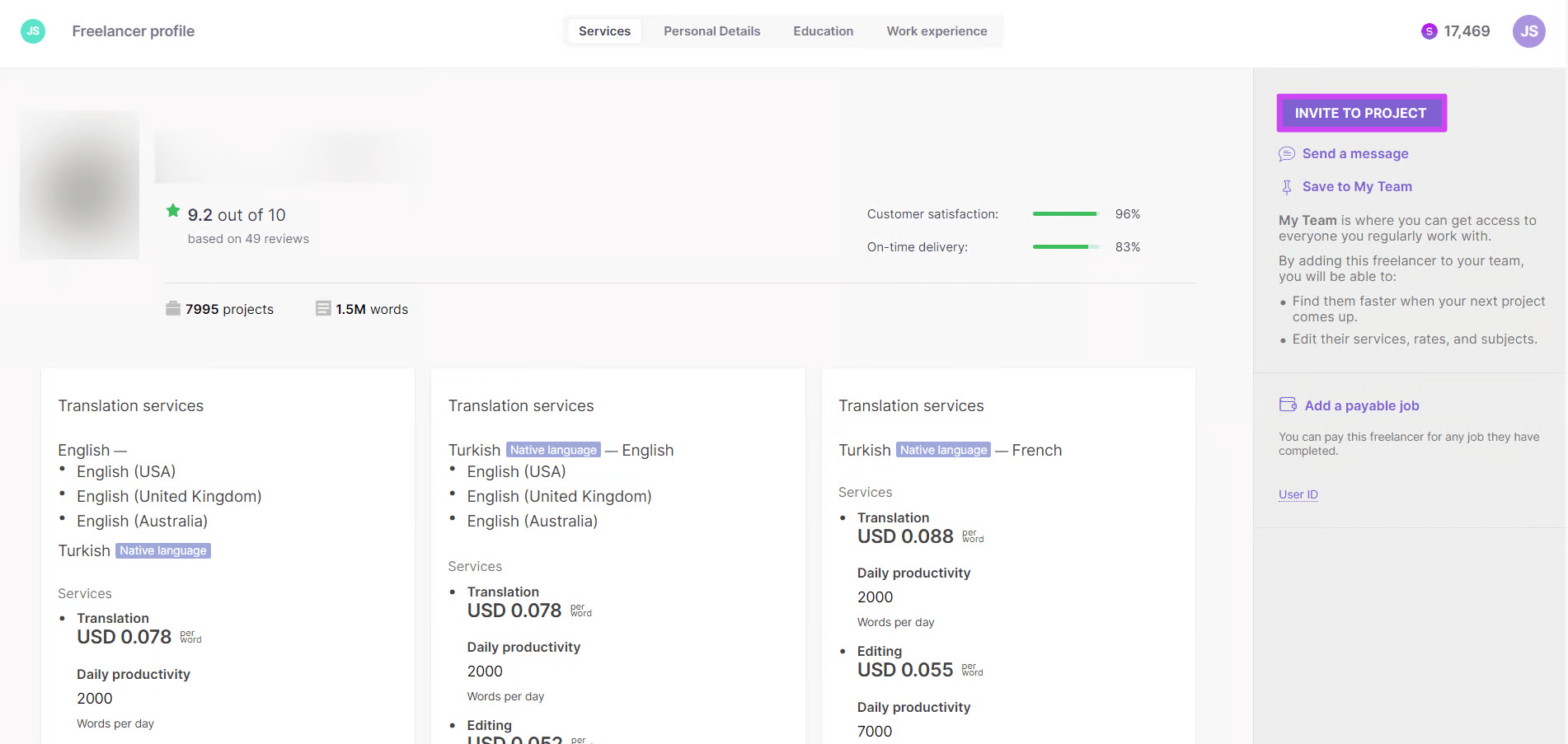
Click a freelancer profile to get detailed information such as the number of words and projects translated in Smartcat, productivity, availability, and so on.
💡 You can post a job on the Smartcat board and wait for freelancers to offer their services, or offer them a small test assignment to make sure they are competent enough for your project.
- Invite the selected freelancer to a project by clicking the corresponding button, then selecting the project and the files or segments to assign
You now have a freelancer assigned to your project, and you can add them to your team for long-term collaboration.
FAQs
If one of my translators is already in the Marketplace, do I have to pay them via Smartcat?
If a company invites a freelancer to an account using the My Team email invitation, you can pay this freelancer outside Smartcat even if the freelancer is already registered on the Marketplace. If tasks are completed in Smartcat and jobs are added to the Payments page, they can be deleted and payment made using previous methods.
Want to learn more?
See how Smartcat can transform your localization workflow.
Still need help?
Our support team responds within one business day.