CAT editor
Export keys from a software localization project
Overview
With Smartcat, you can localize your software into the many languages your users need. Smartcat lets you import and export strings (easy-to-translate text segments) in JSON, YAML, Android XML, and iOS .strings formats, along with the key IDs.
To export keys, you can set up an integration using the API or CLI tool, or use the Smartcat UI.
Export keys from the UI
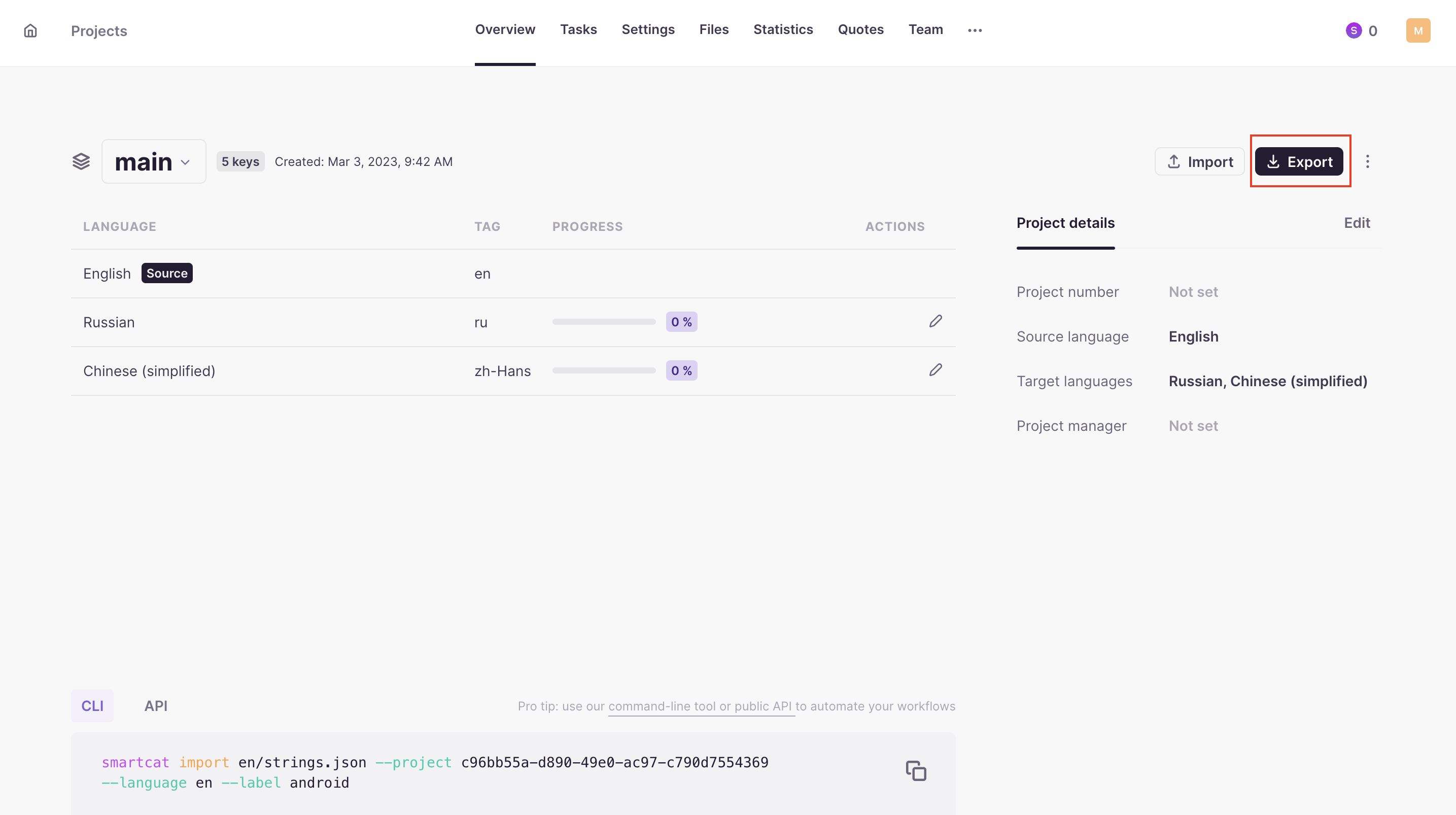
- Click Export at the collection level or in the CAT editor

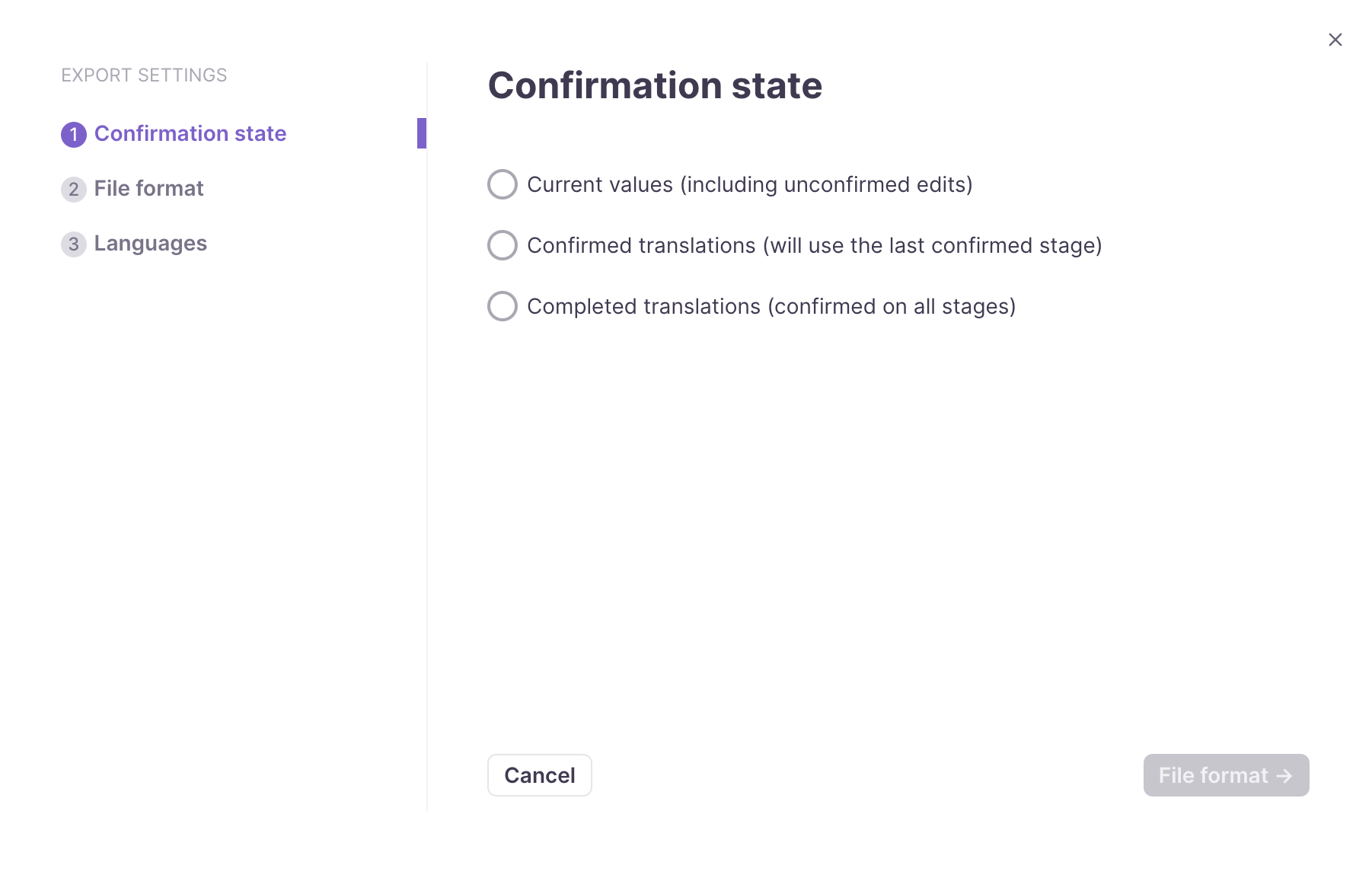
- Select the confirmation state of the segments
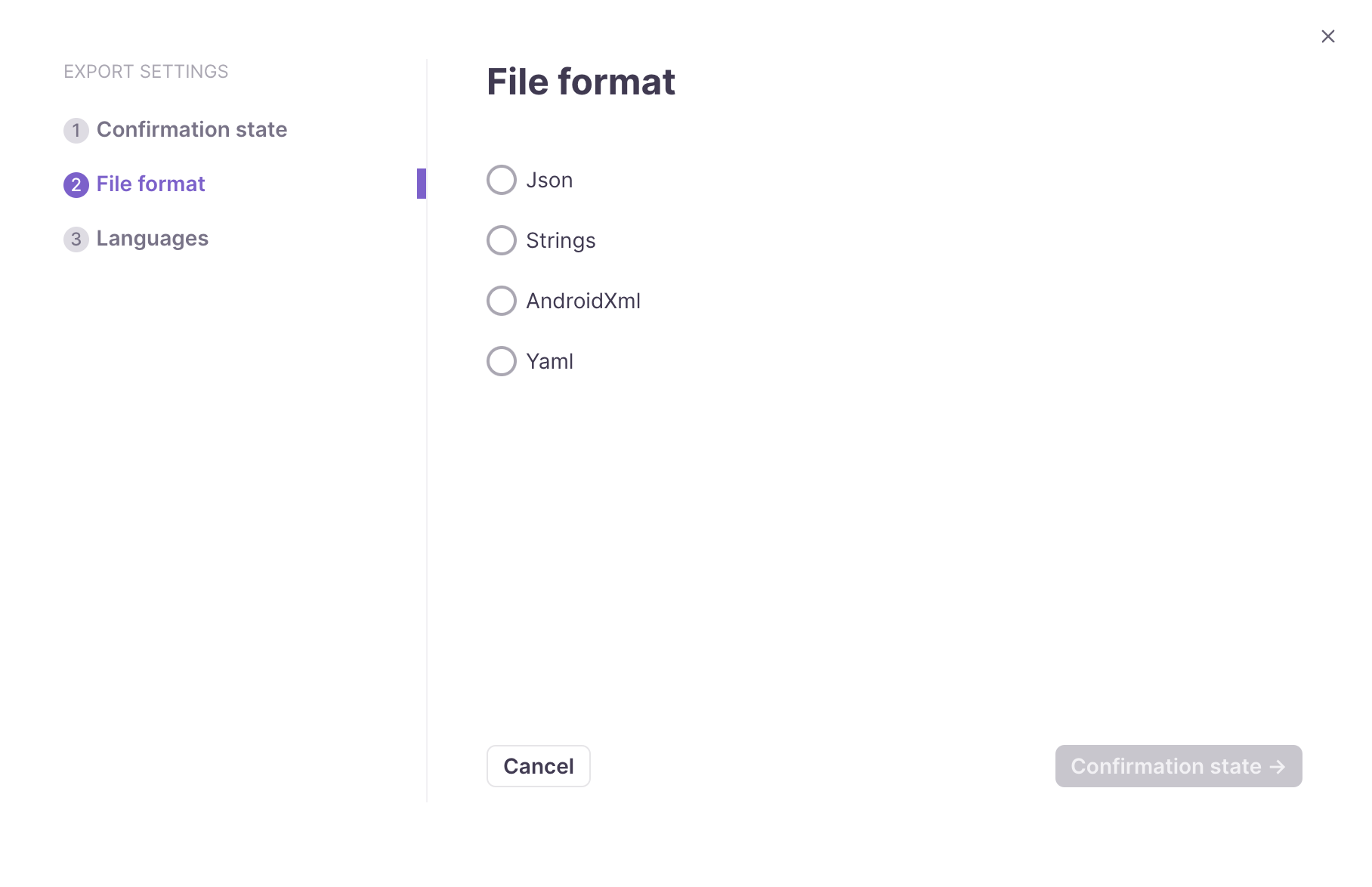
- Select the export file format
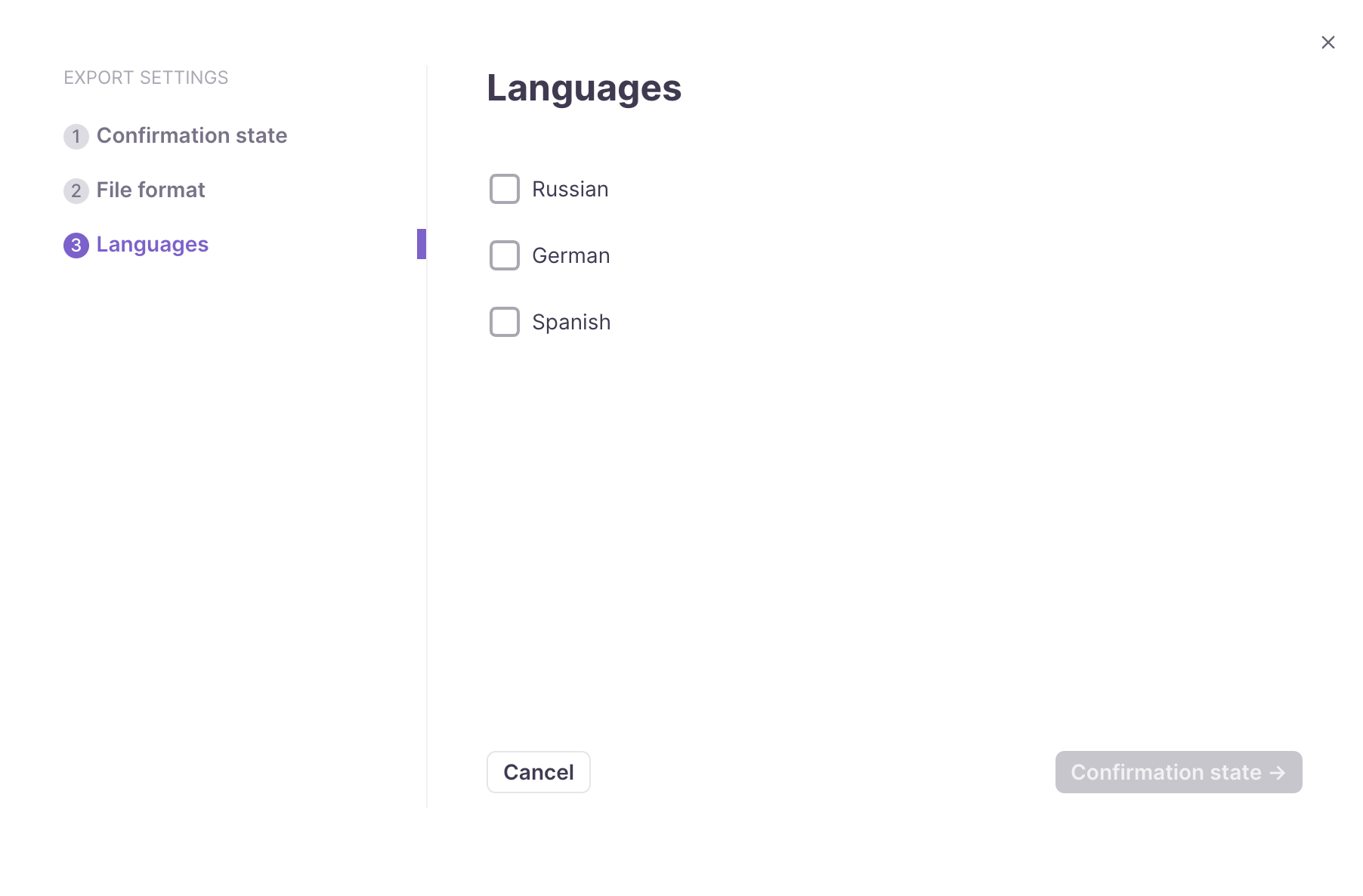
- Select the languages you want to export
- Wait for the export to complete
📌 If you choose several languages, they download as separate files in a ZIP archive.
Your localization keys are exported in the format and languages you selected.
Was this article helpful?
Want to learn more?
See how Smartcat can transform your localization workflow.
Still need help?
Our support team responds within one business day.
Have other feedback for us?
Thanks for your feedback!