Check the source layout of subtitles before translation
Overview
The source layout check feature lets you pull a video into Smartcat and review its subtitles in the source language before translation begins. This tutorial walks you through pulling a video into Smartcat, viewing and editing subtitles in the source language, and approving your changes. This stage is important for checking the accuracy of transcription subtitles in the source file before you move forward with translation. It is easier to make these changes once in the source file than to fix multiple files in target languages later.
Bring a file into source layout
The source layout check lets you pull a video into Smartcat so you can view the subtitles as they exist in the source language. Add source layout check as a step during project creation, before the AI translation step. The step may be enabled by default, but you can confirm it is set up in your project. See how to set up the source layout check.
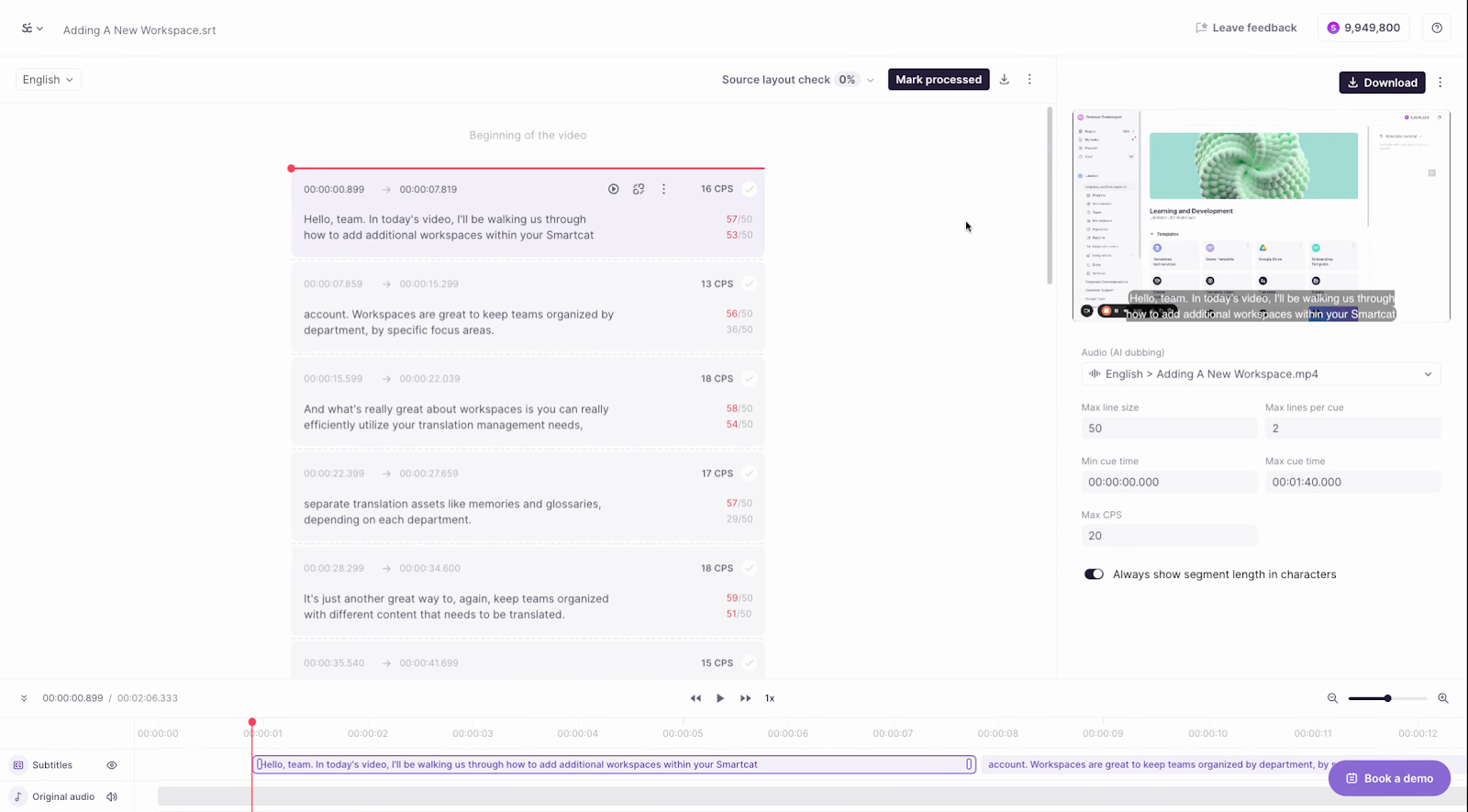
Modify the file
After you pull the video into Smartcat, you can modify the file like any other subtitle file. This includes adjusting the line spacing and editing the content. Taking a bit of time with the source file saves a lot of time in later stages.
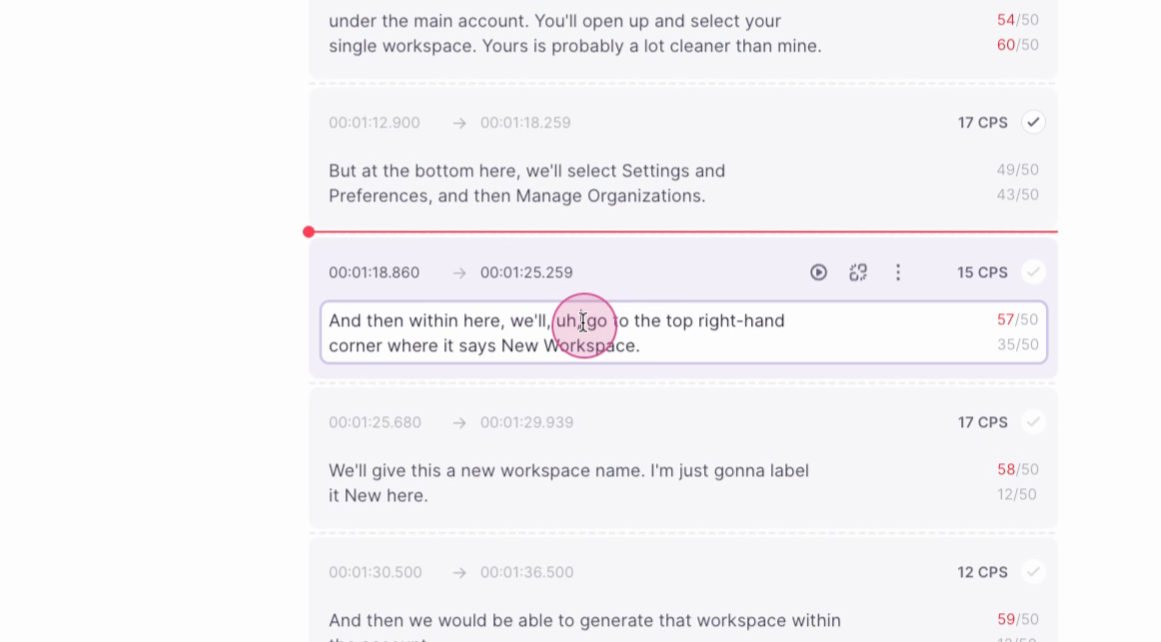
Edit subtitles
To edit subtitles, click within the box. You can then make any necessary changes to the subtitles.
Approve changes
Once you are satisfied with your modifications, approve the changes. You can approve segment by segment or mark the entire file as processed.
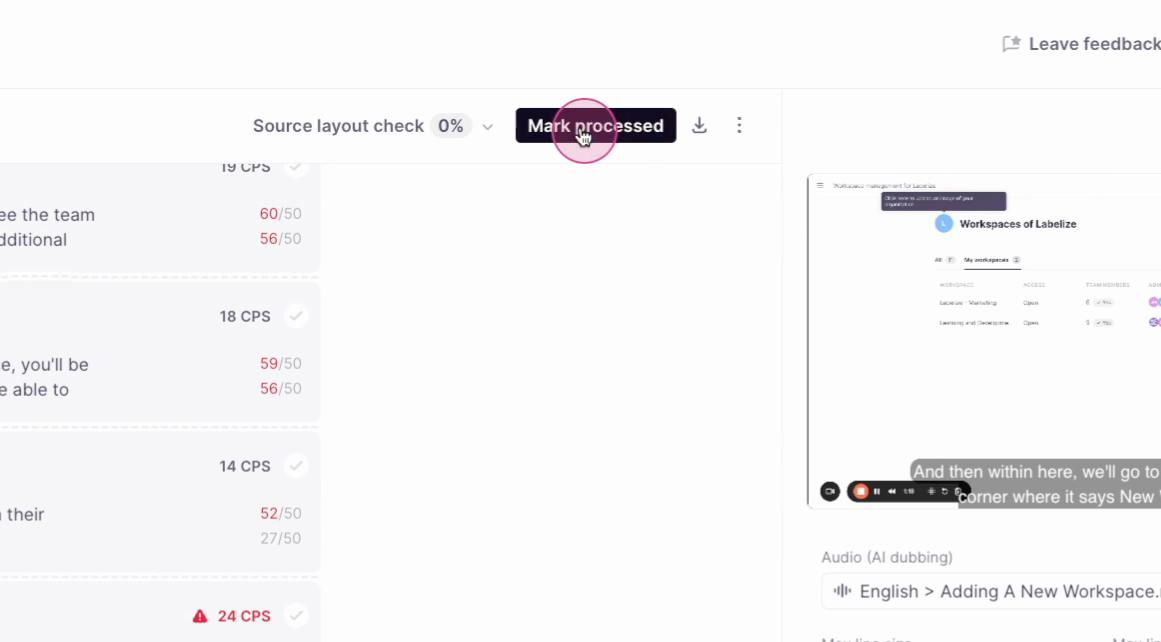
Process the file
After you approve the changes, process the file.
⚠️ You cannot edit the file after it has been processed. Complete all necessary modifications first.
Once the file is processed, it moves to the next stage and proceeds to translation.
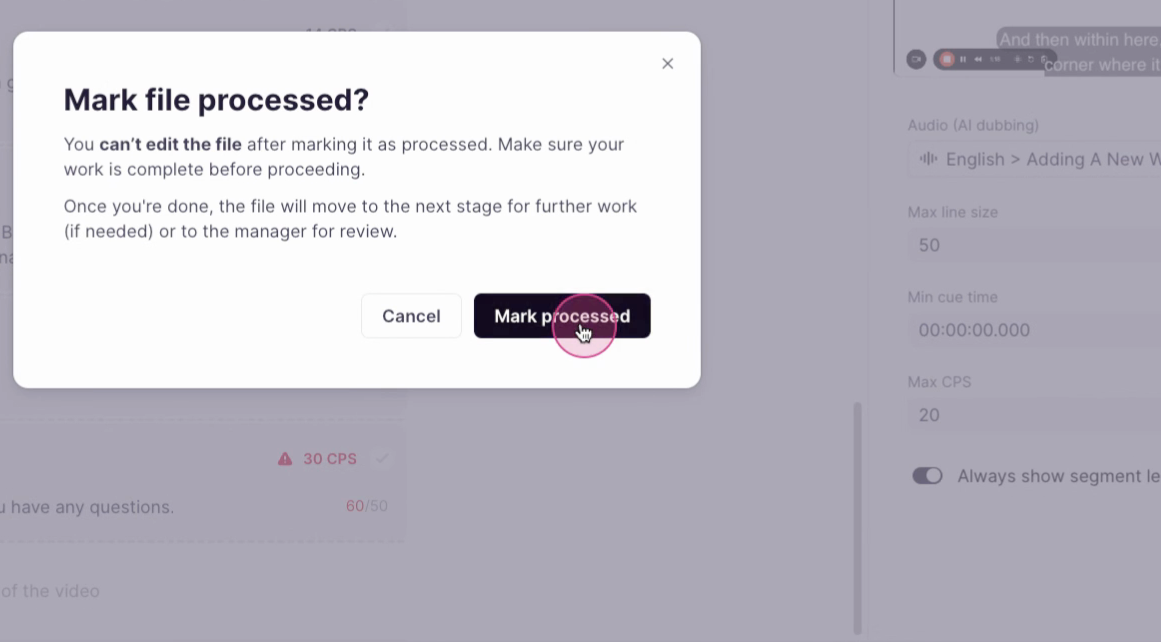
Your reviewed source subtitles are now locked in and ready for translation.
FAQs
Can I edit the file after it has been processed?
No, you cannot edit the file after it has been processed. Make sure you have completed all necessary modifications before processing the file.
How do I edit subtitles in Smartcat?
To edit subtitles, click within the box. You can then make any necessary changes to the subtitles.
Can I approve changes segment by segment?
Yes, you can approve changes segment by segment or mark the entire file as processed.
What does the source layout check feature in Smartcat do?
The source layout check feature lets you pull a video into Smartcat, view the subtitles as they exist in the source language, and make necessary modifications before you move forward with translation.
Want to learn more?
See how Smartcat can transform your localization workflow.
Still need help?
Our support team responds within one business day.