Getting started as a Smartcat freelancer
Overview
New to the Smartcat marketplace? This guide walks you through four things to do first — setting up your profile, bringing in your existing work, translating your first document, and getting paid. Each section links to a dedicated article where you can find more information.
Step 1. Fill in your profile
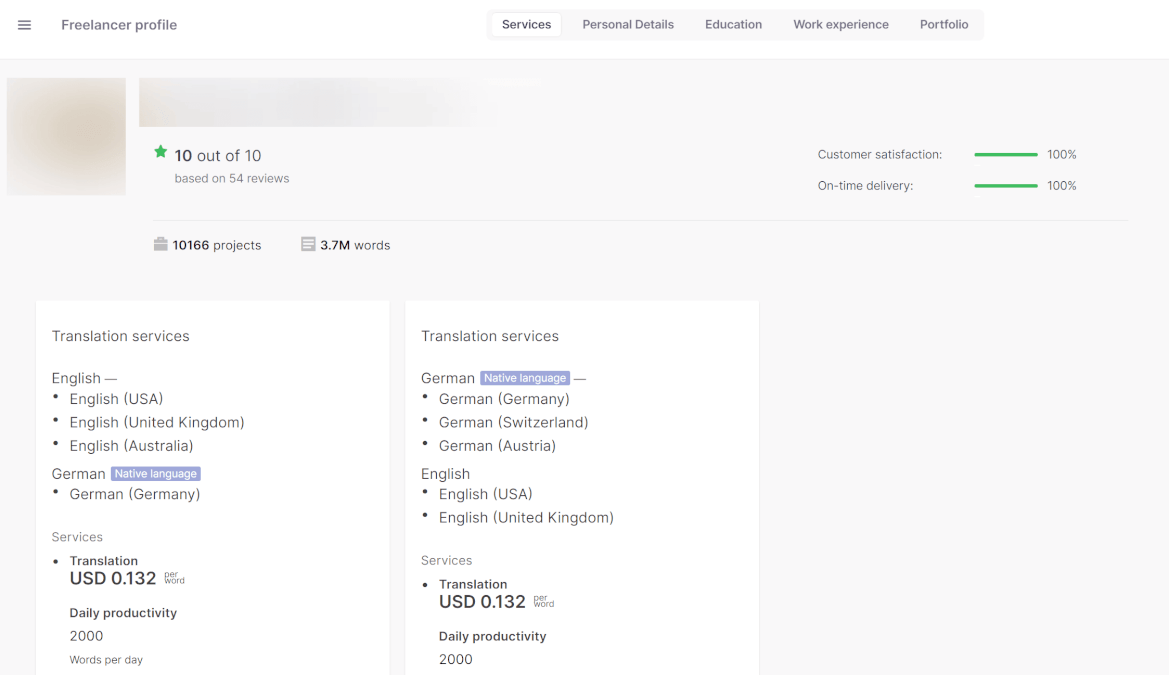
In Smartcat, each translator is the master of their own profile. You choose your language pairs, services, and rates.
Customers search for translators and find you, so a complete, accurate profile is your most important first step. In theory, having a completed profile is enough to start getting orders. In practice, with 150,000 translators registered on the platform, getting to the top of the search results takes a little more effort — but not too much.
For more information, see: Completing your freelancer profile on Smartcat
Step 2. Import assets from other CAT tools
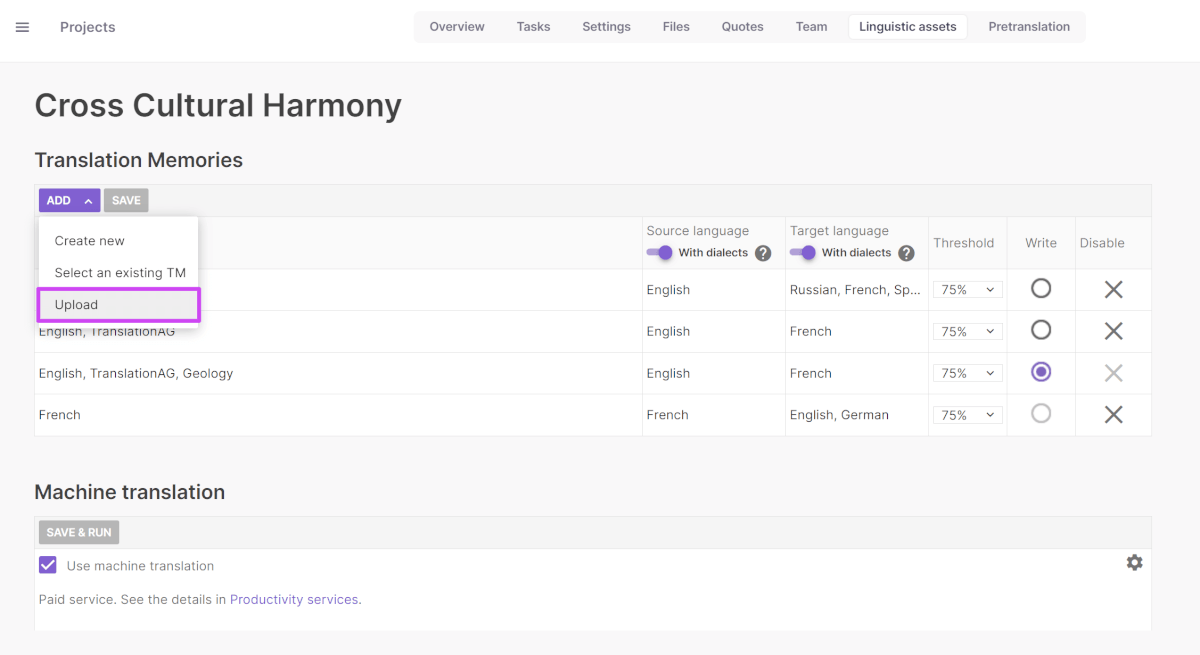
If you have already worked in other CAT tools, you can import all your projects and resources from them:
-
From SDL Studio Trados: SDLXLIFF projects, SDLPPX packages, SDLTM translation memories.
-
From MemoQ: MQXLIFF projects, TMX translation memories.
-
From other CAT tools: XLIFF projects, TMX translation memories.
-
Glossaries from Excel spreadsheets.
If you have no previous experience with CAT tools, don't worry, Smartcat is easy to use even for a beginner.
Step 3. Translate your documents in Smartcat
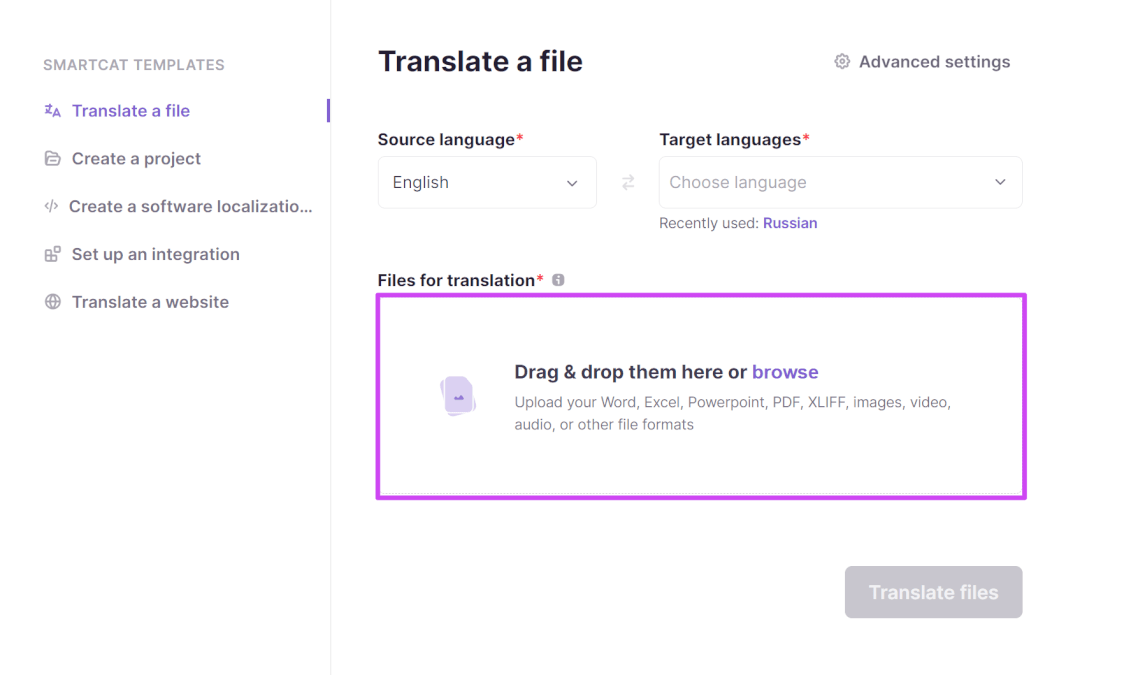
One of the main factors in Smartcat's translator ranking is the number of words you have translated on the platform. You can use Smartcat, for free, to translate texts you receive outside the platform, which counts toward your ranking.
Just take any document and create a project based on it, then open it in the Editor. Smartcat splits all the text into segments in a bilingual grid, making it easier to work with any document. It also saves all your translations to the project's translation memory so you can reuse them in future projects.
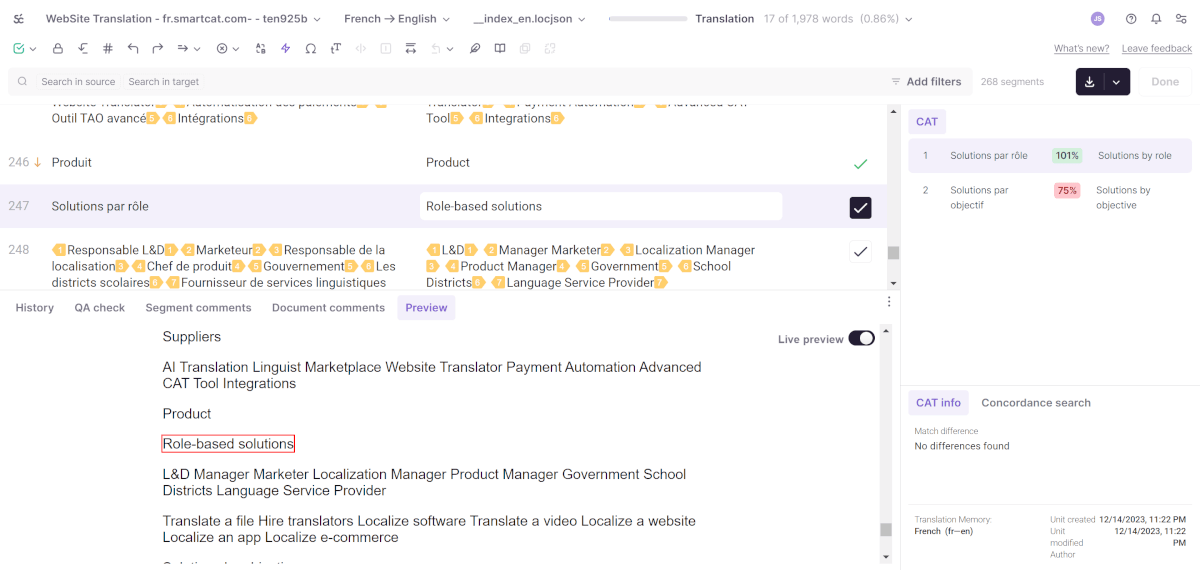
For more information, see: Getting started: how to translate a file in Smartcat
Getting paid for jobs done outside Smartcat
Smartcat allows you to receive payments for work done outside the platform — DTP, interpreting, and so on. To do this, fill out the payment request form in the Payouts section.
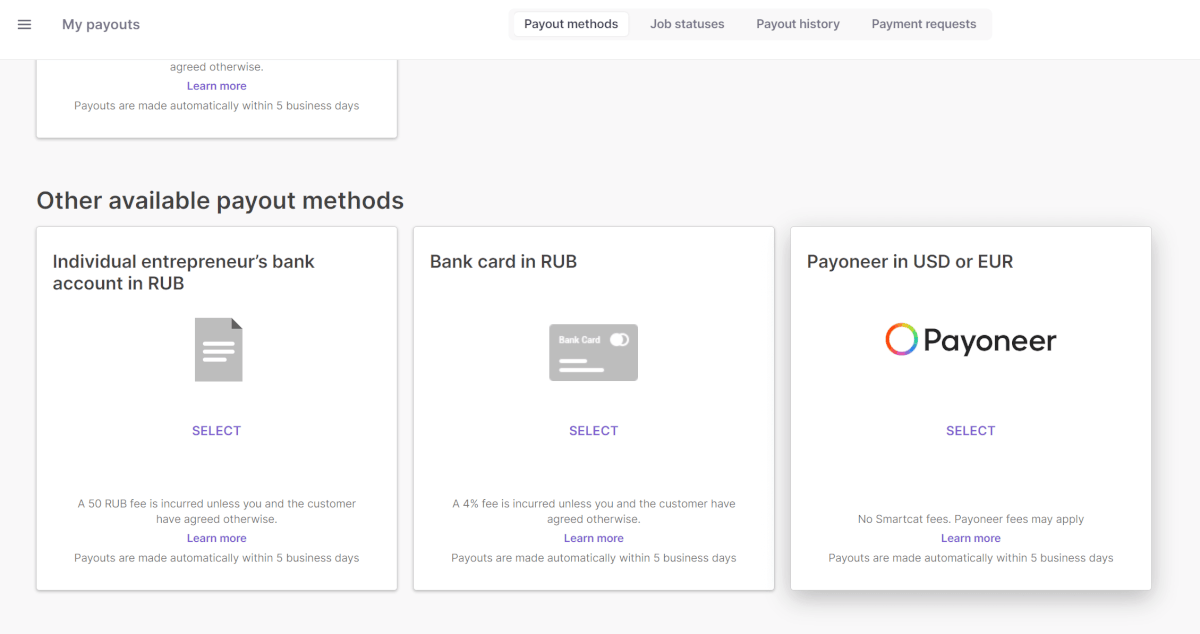
Your client receives a link to pay for your work by bank card or wire transfer. Then you receive the payment according to the method selected — bank card, wire transfer, or another method depending on the country specified on your profile page.
If the client stays in Smartcat and hires you for future work directly on the platform, this further increases your chances of reaching the top of the search results.
For more information, see: Understanding Freelancer Fees in Smartcat
Want to learn more?
See how Smartcat can transform your localization workflow.
Still need help?
Our support team responds within one business day.