Install and use Smartcat Translator for Chrome
Overview
Smartcat Translator is an extension for the Google Chrome browser that translates website pages in a flash. With Smartcat Translator you can view website content in various languages, and also translate incoming emails and your replies or social media posts.
📌 Before you start, make sure you have a corporate Smartcat account and know your username and password. You are prompted to authenticate before using the extension.
Install the extension
Open the Smartcat Translator page in the Chrome Web Store and follow these steps:
-
Click Add to Chrome
-
When prompted to confirm that you want to proceed, click Add extension
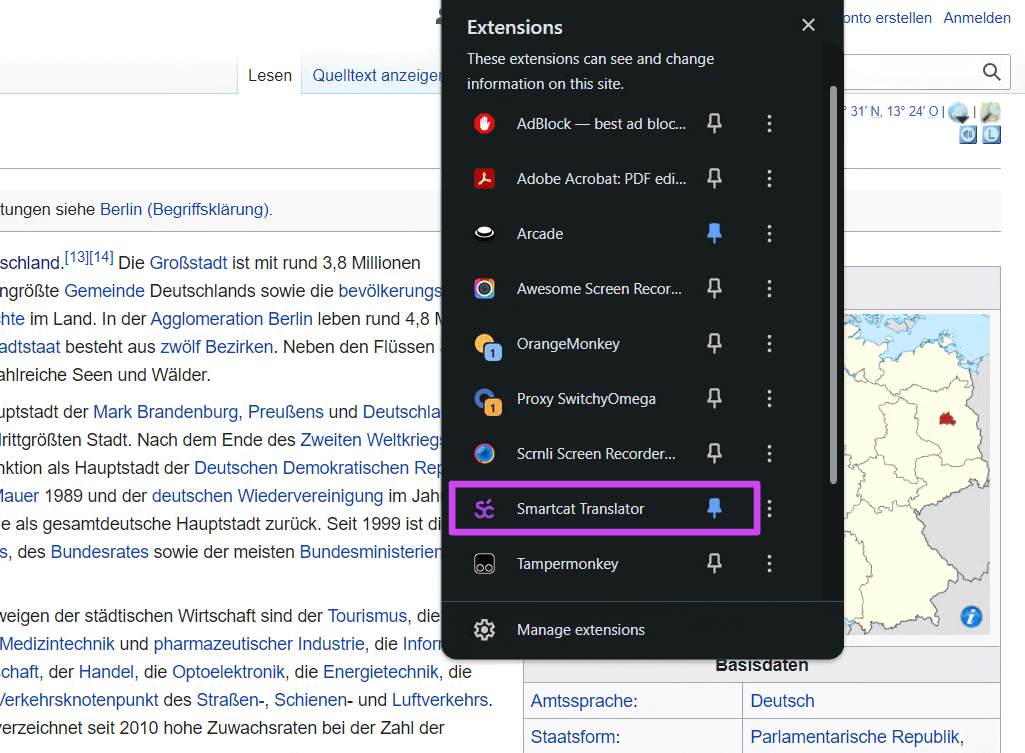
Smartcat Translator now appears in your list of extensions.
Log in to the extension
-
Open any web page
-
Click the Extensions icon in the top right and open Smartcat Translator. You can pin it for quick access
-
Click Let's get started to log in to your existing corporate Smartcat account
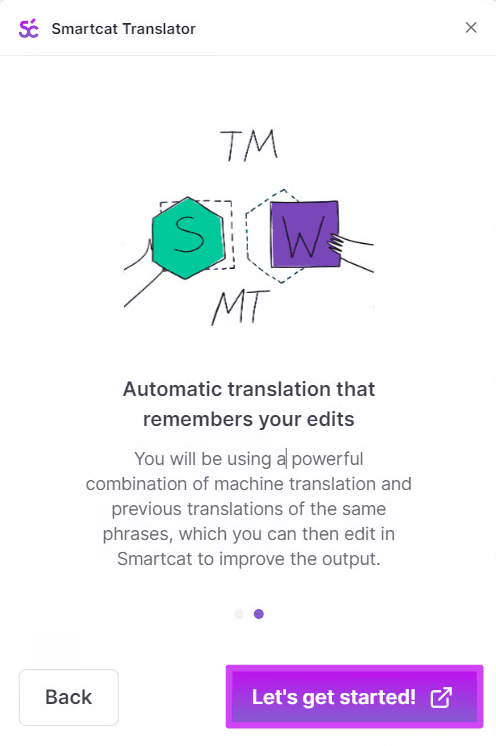
After you authenticate and log in, you are redirected back to the page where Smartcat Translator was opened.
Translate content
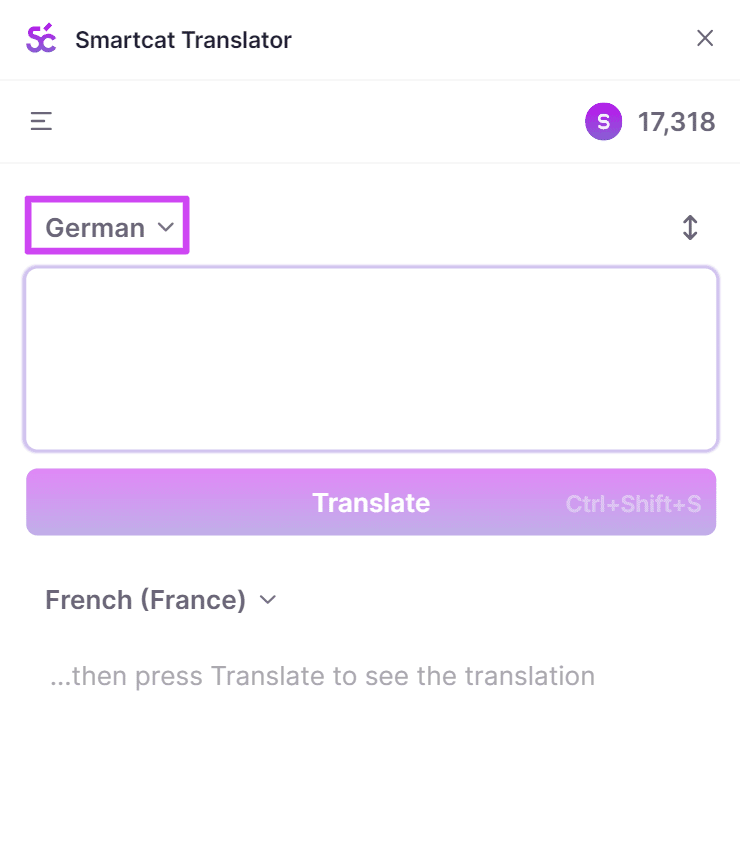
- In the extension, specify the required Source text and Target text languages. In the example below, Autodetect is enabled for the source language and German is selected for the target language
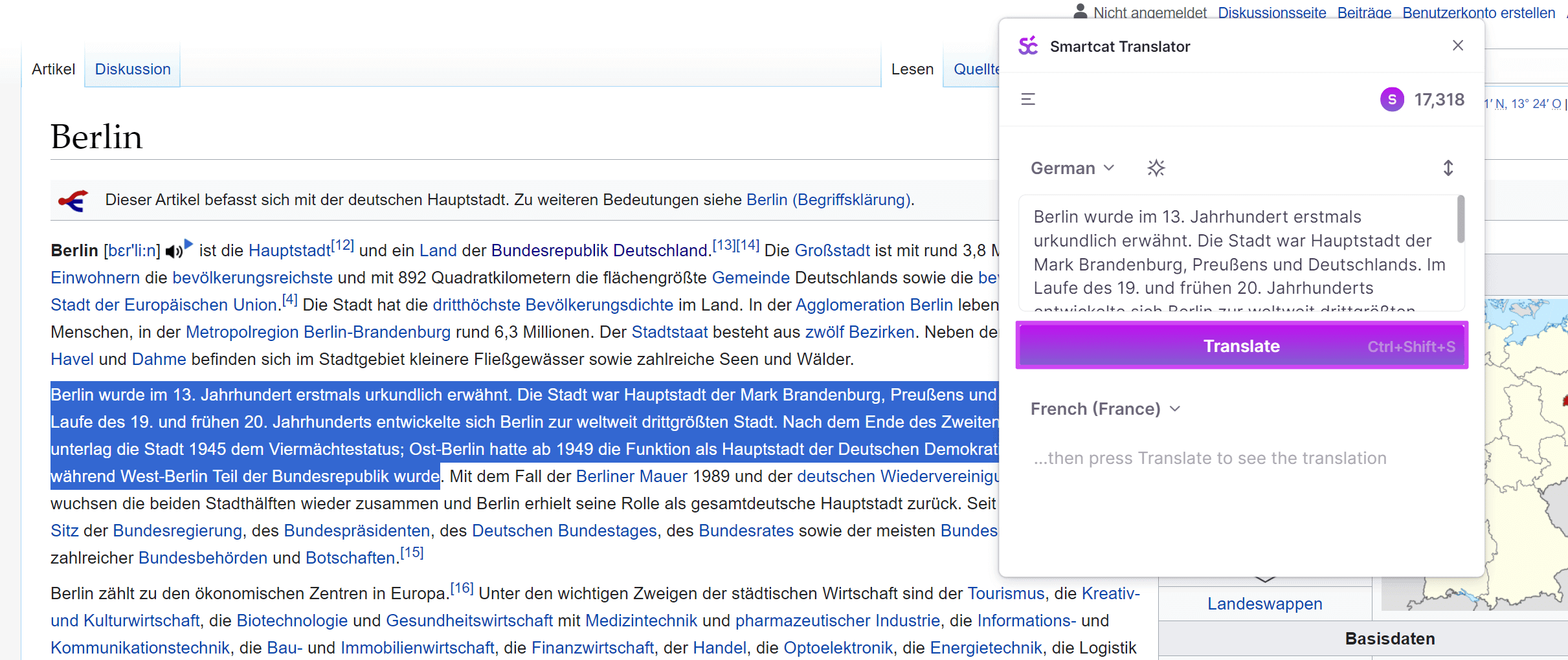
- Select any text on the page or type free text in the Source text field, and click Translate. The translation to the selected target language immediately appears in the Target text field
- To use the translation in another document or edit it in an editing tool, click the Copy translation icon. The translation is copied to the clipboard
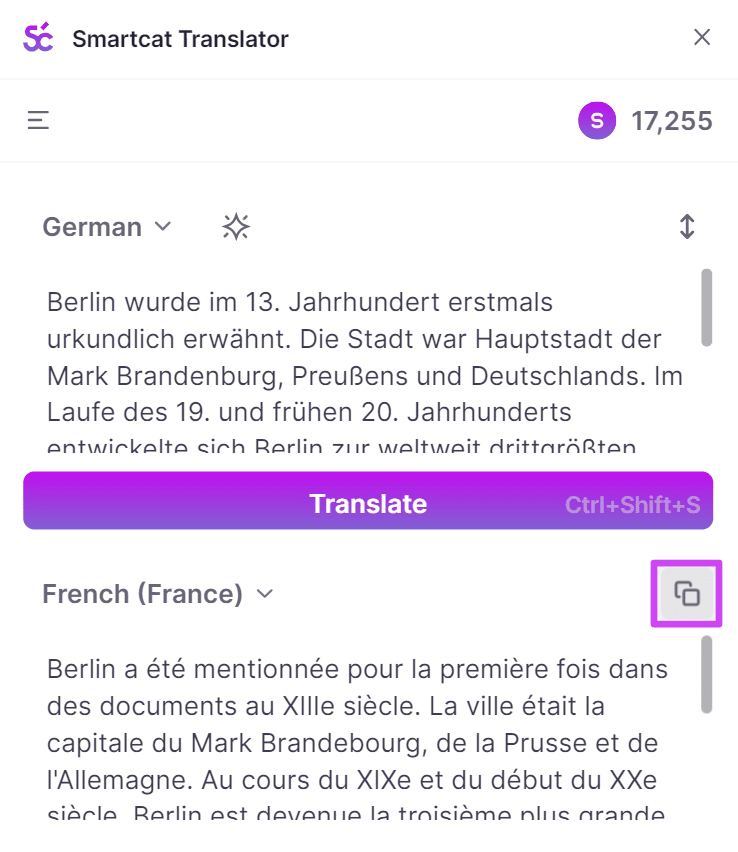
You now have a translation ready to paste wherever you need it.
FAQs
Is there a character limit for the content to be instantly processed through the extension?
No, the character count is unlimited.
Is there a link between the extension and the Smartwords balance on our corporate account?
Yes, the link exists as this extension consumes Smartwords.
Is the data processed through the extension secured and not used by translation engine vendors?
The data that passes through the extension is not exposed to any third party and remains completely secure at all times.
What is the maximum number of simultaneous users?
The number of simultaneous users is unlimited.
Want to learn more?
See how Smartcat can transform your localization workflow.
Still need help?
Our support team responds within one business day.