LSPs and freelancers: what's the difference?
Overview
When you assign work in Smartcat, you can hire two kinds of suppliers. Both freelancers and language service providers (LSPs) are suppliers: both can be added to your account, assigned tasks, and paid through Smartcat. The difference is who they are and how they behave in the platform. A freelancer is an individual linguist, while an LSP is a company or agency. This article explains the differences so you can choose the right type of supplier for your projects.
When to use each type of supplier
-
Choose a freelancer when you want to work directly with an individual linguist, for example, a translator, editor, or proofreader you found on the Marketplace or already collaborate with
-
Choose an LSP when you need agency-level capacity, want a single point of contact for a larger project, or are continuing an established relationship with a translation company
How freelancers work
-
A freelancer is an individual professional you hire directly
-
You find freelancers through the Marketplace and add them to your team with Save to My Team
-
Each freelancer has a public profile showing language pairs, services, rates, competency levels, and portfolio
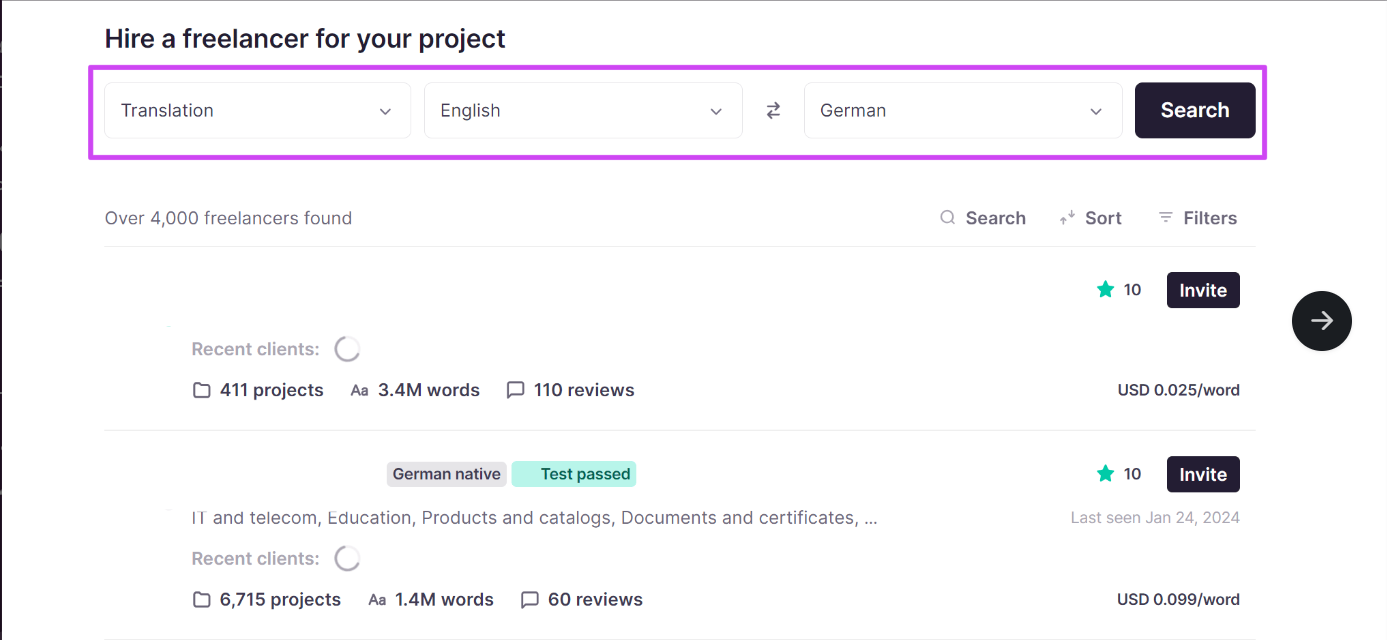
- Once a task assigned to a freelancer is completed, the corresponding job is created automatically on the Jobs page for payment
The freelancer is added to your team and can be assigned tasks on your projects.
How LSPs work
-
An LSP is a company or agency, added to your account as a vendor
-
You find LSPs through the Find a Vendor tab and add them to My Vendors
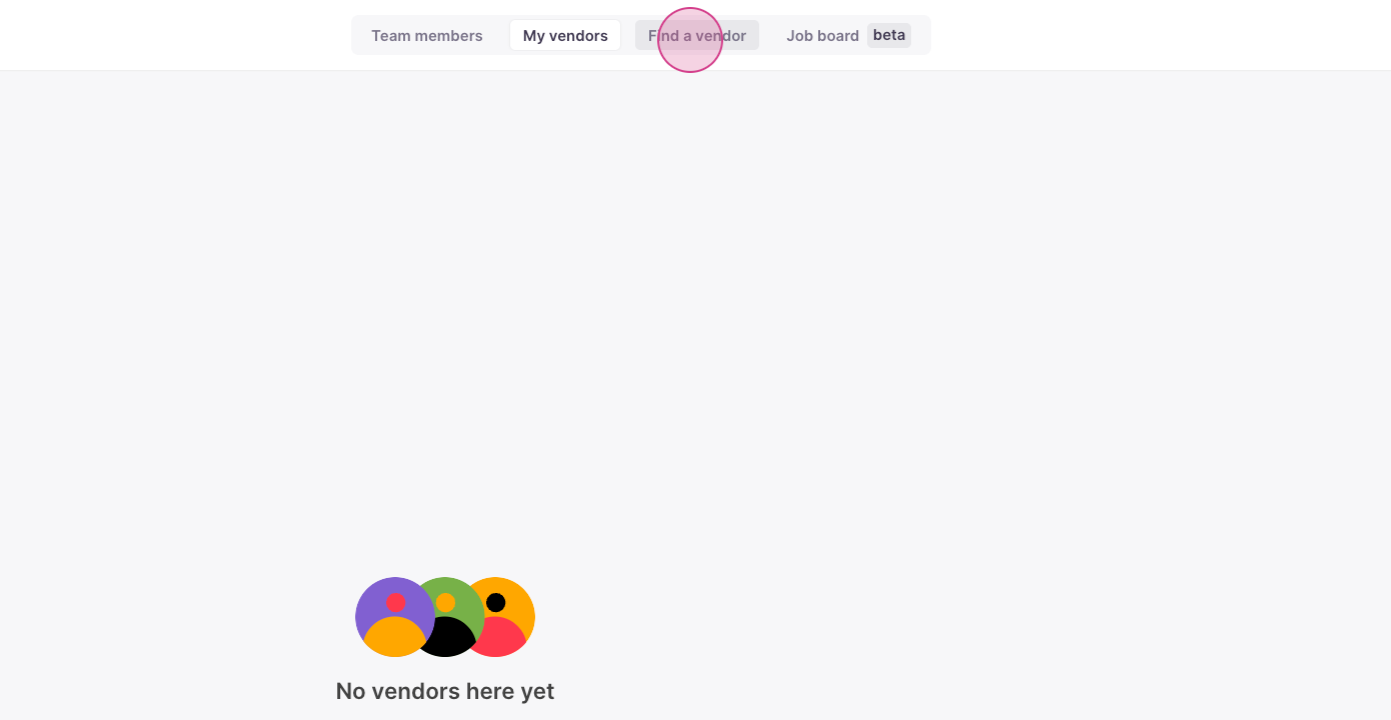
-
You can grant an LSP additional access rights to your linguistic assets, such as Translation Memory and glossaries
-
An LSP can set its own rates and services, which can differ per client. Once you assign the task to the vendor, they assign it to a linguist that works within the company
-
Once the vendor assigns a task, you cannot unassign the task. The vendor must cancel the assignment to their employee before you can cancel it.
-
Jobs for tasks assigned to an LSP may not be added to the Jobs page automatically — you create the supplier job manually
The LSP is added to your vendor list and can be assigned tasks on your projects.
⚠️ An LSP vendor must be hosted on the same Smartcat server region as your account to be linked. If the accounts are on different regions, one party needs to create an account on the matching region first.
FAQs
Can I use both freelancers and LSPs on the same account?
Yes. Many organizations split work across internal team members, freelancers, and LSPs. You can add and assign each type independently.
Want to learn more?
See how Smartcat can transform your localization workflow.
Still need help?
Our support team responds within one business day.