Add clients to your Smartcat account
Overview
Most likely, you have multiple clients for your translation services, whether you are a localization vendor or a corporate translation department. Your clients can be another corporation or a division in your own company.
Smartcat lets you set clients that you can use not only to categorize linguistic assets but also to facilitate your project management workflow. For example, marking linguistic resources and a project with a client's tag automatically connects the resources associated with the client to the project right after creation.
Add a client
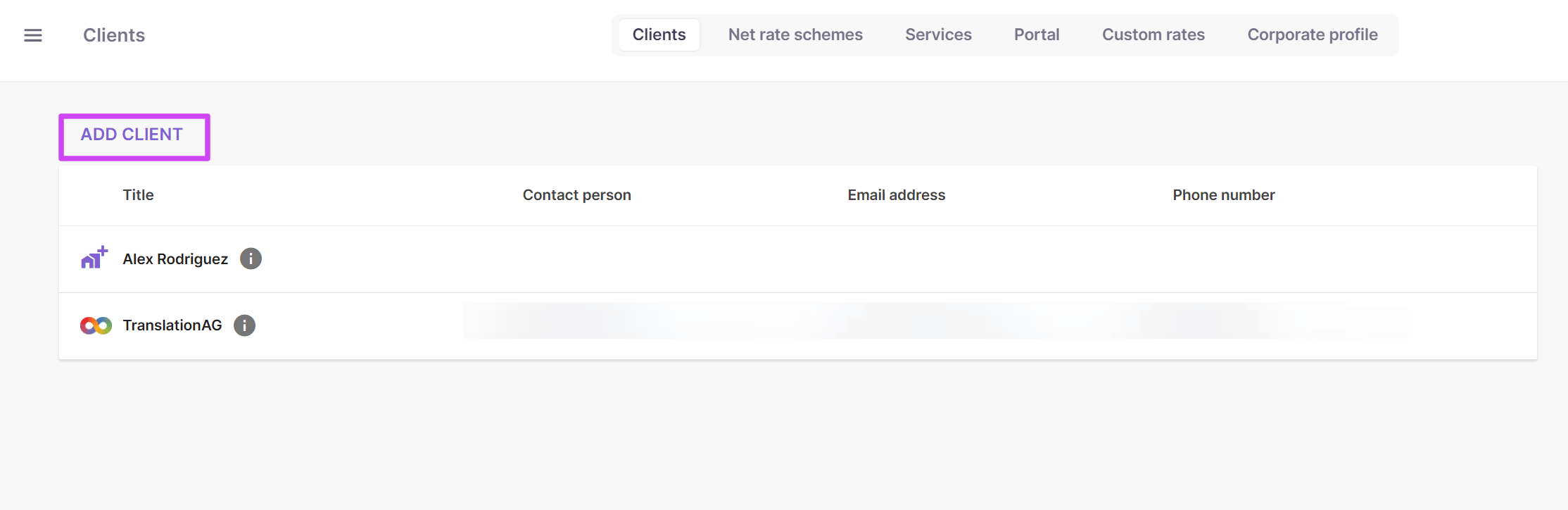
In the left navigation sidebar, click Clients.
The first tab holds the client list in Smartcat.

The client list shows two different types of clients:
-
A record with the building icon is one you create to store information about a client that does not have an account in Smartcat
-
A record with the infinity symbol indicates a client that has a corporate account and has added you as a vendor, which lets them assign projects and tasks to you in Smartcat
To create a new client, follow these steps:
-
Click Add client
-
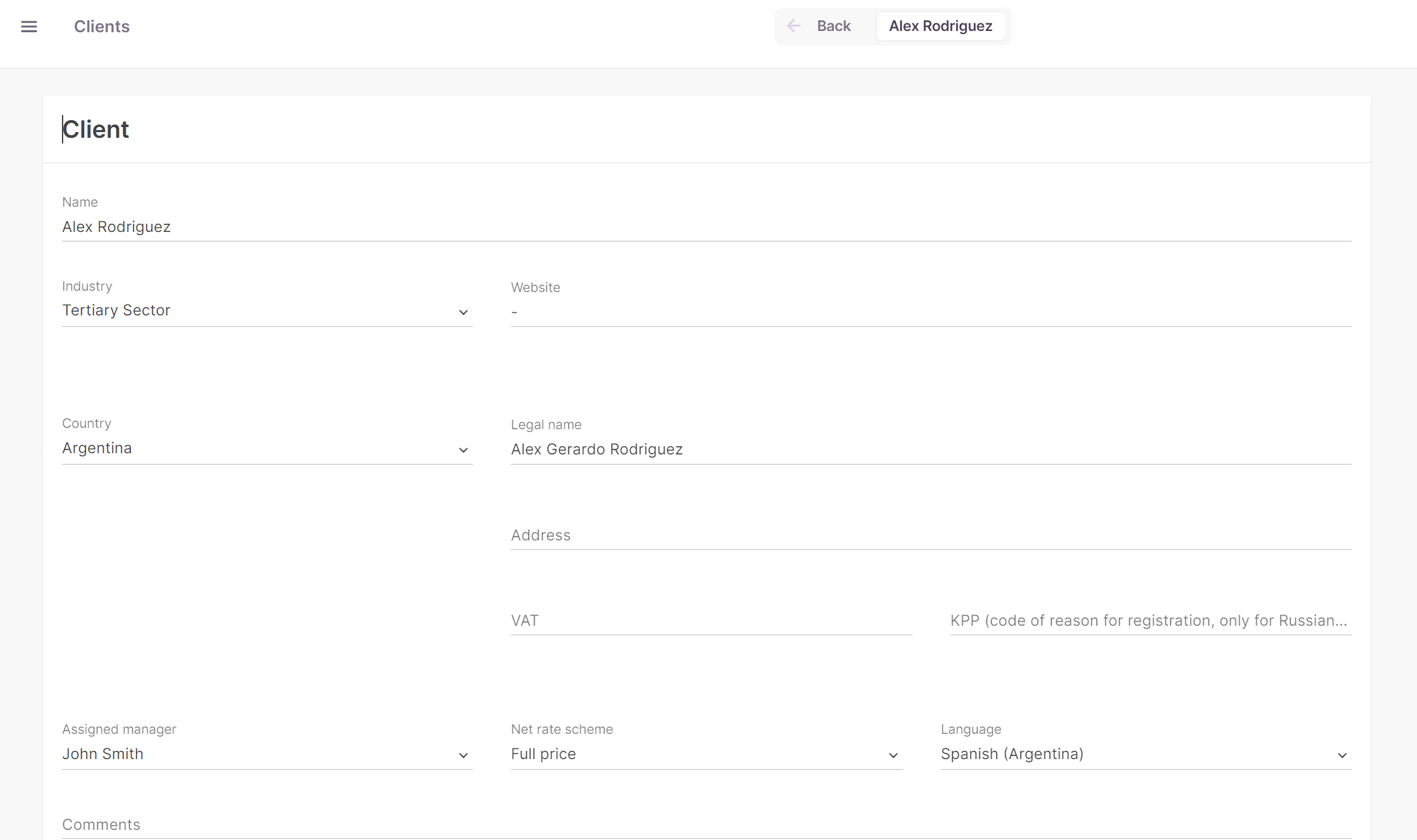
Fill in the form as much as you need. The only required field is Name
-
Save the client
Your new client is now available in the client list and ready to connect to projects and linguistic assets.
Client fields
-
Industry lets you input and save an industry name you have gotten used to. You can reuse it later for other clients
-
Assigned manager lets you select a teammate already added to your team via email as the manager or contact person for this client
-
Net rate scheme specifies the scheme you set for a client, which is preset in the Statistics tab for every project of the client
You can also add contact information for each client and designate a Primary contact by clicking Add contact.
Project tags
In addition to clients, Smartcat offers another label you can use to organize your data: project tags.
A project tag is a simple label you can use to tag linguistic assets and projects. Good examples for a project tag are tagging data by office location, or tagging the linguistic assets of small clients for which creating a client label might not be useful. If your company works with many law offices that send you work on an irregular basis, creating a Legal project tag lets you store data related to all these clients in unique Translation Memory (TM) or terminology databases.
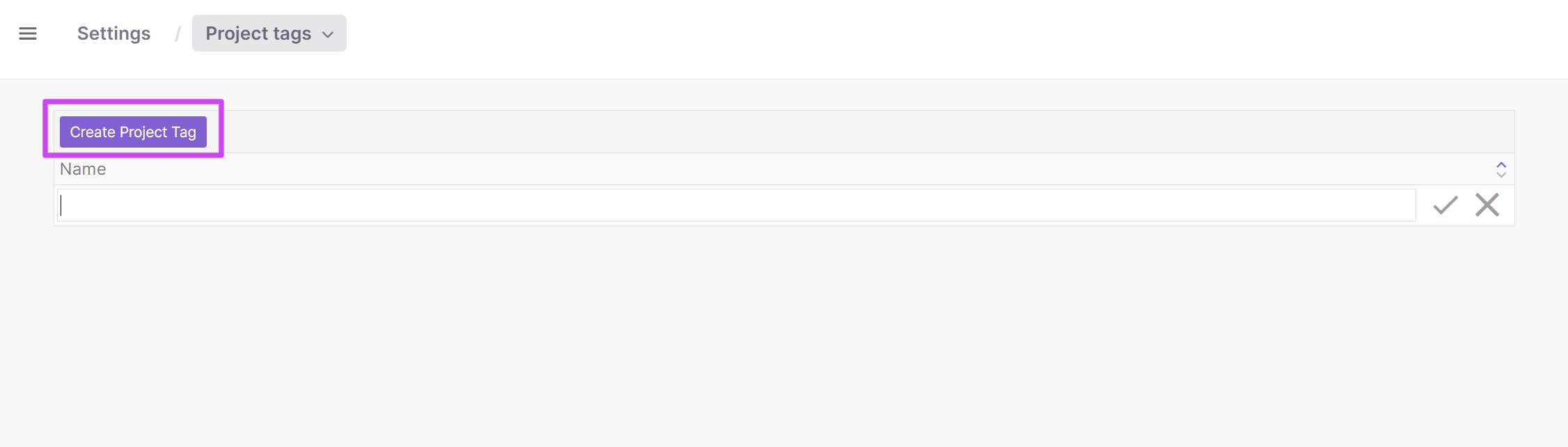
To create a new label, click the Create project tag button.
📌 Once you have added all of your current clients, and project tags where applicable, you can proceed with adding users to the account.
FAQs
What's the difference between the two icons I see in my client list?
A building icon marks a client record you created manually to store information about a client without a Smartcat account. An infinity symbol marks a client that has its own corporate Smartcat account and has added you as a vendor, letting them assign you projects and tasks directly.
What's the only required field when adding a new client?
Name. All other fields — industry, assigned manager, net rate scheme, and contact details — are optional.
What does linking a client to a project actually do for me?
Tagging linguistic resources and a project with the same client automatically connects that client's associated resources (like TM and glossaries) to any new project created under that tag.
How is a project tag different from a client?
A project tag is a simpler label for organizing data that doesn't need its own client record — for example, tagging by office location or grouping small, irregular clients (like multiple law offices) under one shared tag such as "Legal" so they can share Translation Memory and terminology databases.
Can I set a default billing rate for a client?
Yes — the Net Rate Scheme field lets you specify a rate scheme for a client, which is then preset in the Statistics tab for every project created under that client.
Want to learn more?
See how Smartcat can transform your localization workflow.
Still need help?
Our support team responds within one business day.