Remove a client
Remove a client
Overview
You can delete a client record you no longer need. Smartcat blocks deletion while the client still has any assets linked to it, so you may need to unlink or remove those first.
Requirements and Limitations
A client cannot be removed while any of the following is still linked to it:
-
Projects
-
Translation Memories (TMs)
-
Glossaries
-
Price lists
-
Document templates
-
Assignment templates
-
Project templates
If any of these are linked, Smartcat blocks the deletion and shows an error: "Cannot remove the client — Assets linked to client: [asset type] — This client cannot be removed." The message names the category of asset still attached but it does not always show the account for every category.
How to remove a client
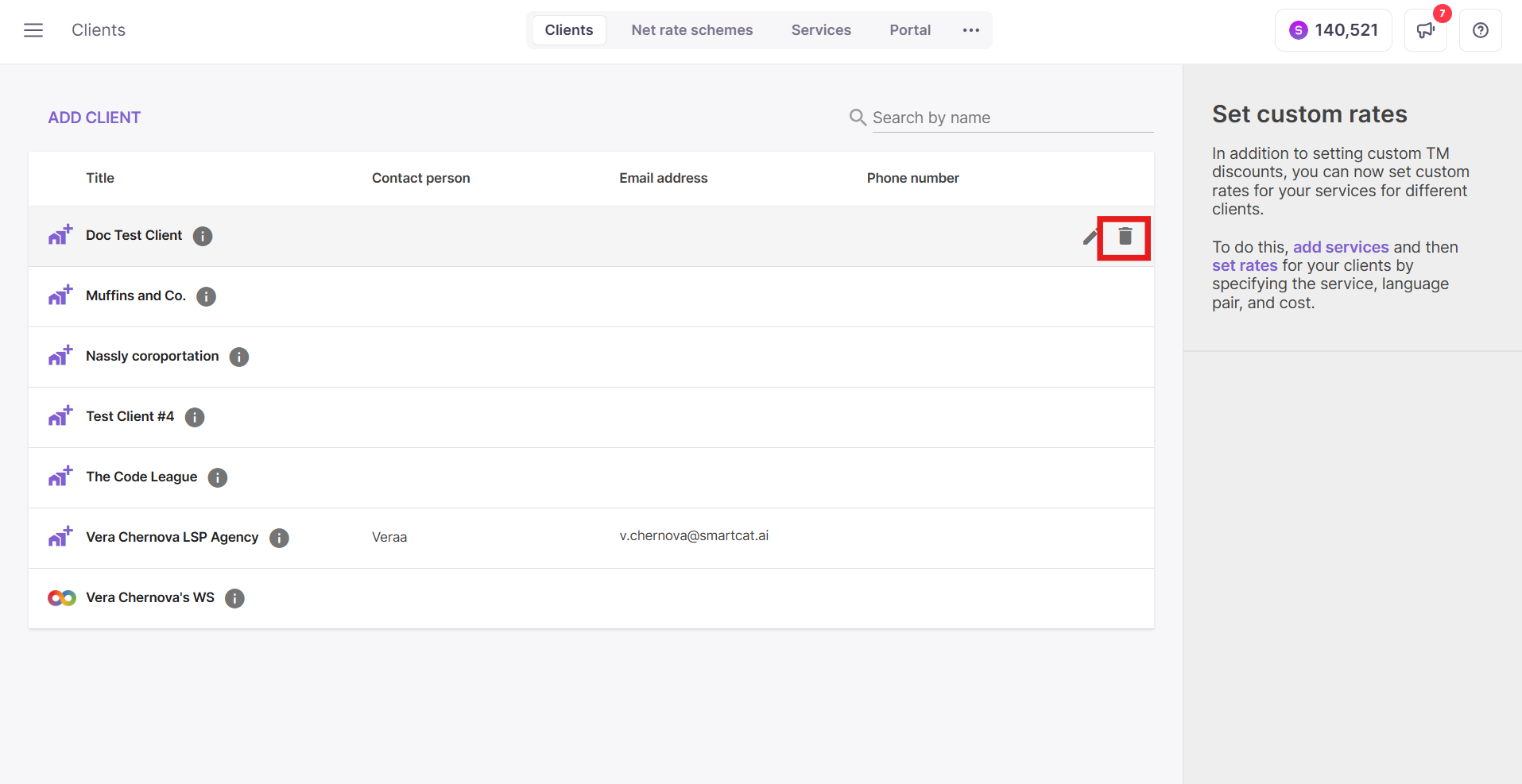
- From the client list, open the client you want to delete and select the Delete (trashcan) icon.
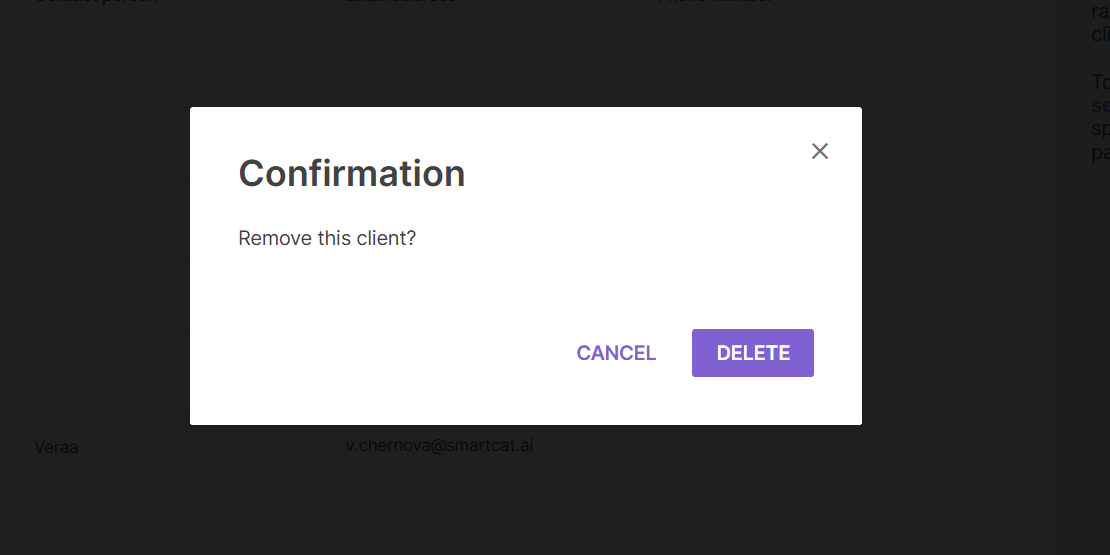
- If the client has no linked assets, confirm you want to delete the client and it's removed immediately.
-
If Smartcat blocks the deletion, note which asset category the error names, then resolve it:
-
Projects — delete or reassign the projects tagged to this client.
-
Translation Memories — unlink the TM from any project it's attached to (or delete those projects), then retry. A TM can't be removed while it's attached to a project, even a completed one.
-
Glossaries — unlink or delete the glossary from any project using it.
-
Price lists — remove the client's link to the price list under your account pricing settings.
-
Document templates / Project templates — remove the client tag from these templates.
-
Assignment templates — go to Team > Assignment Templates and delete the templates tied to this client.
-
-
Once every linked asset is removed or unlinked, delete the client again.
FAQs
The error only names an asset type, not which specific project or TM. How do I find it?
If you can't identify the specific linked item from the client or project screens, contact Support with the client name — they can look up exactly which asset is blocking removal.
Want to learn more?
See how Smartcat can transform your localization workflow.
Still need help?
Our support team responds within one business day.