Track translation progress
Overview
In Smartcat, translation progress is displayed dynamically and shows how much volume per assignment, document, or project is done. This article covers each of the three progress tracking components.
Assignment progress
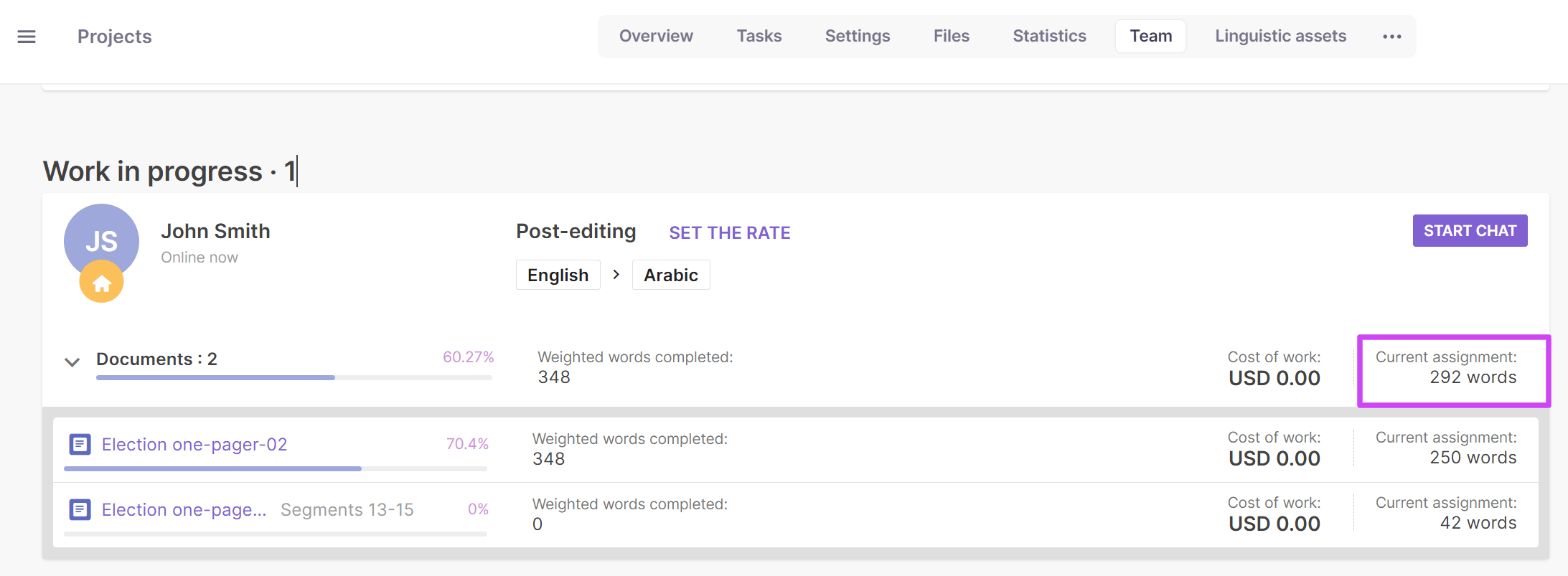
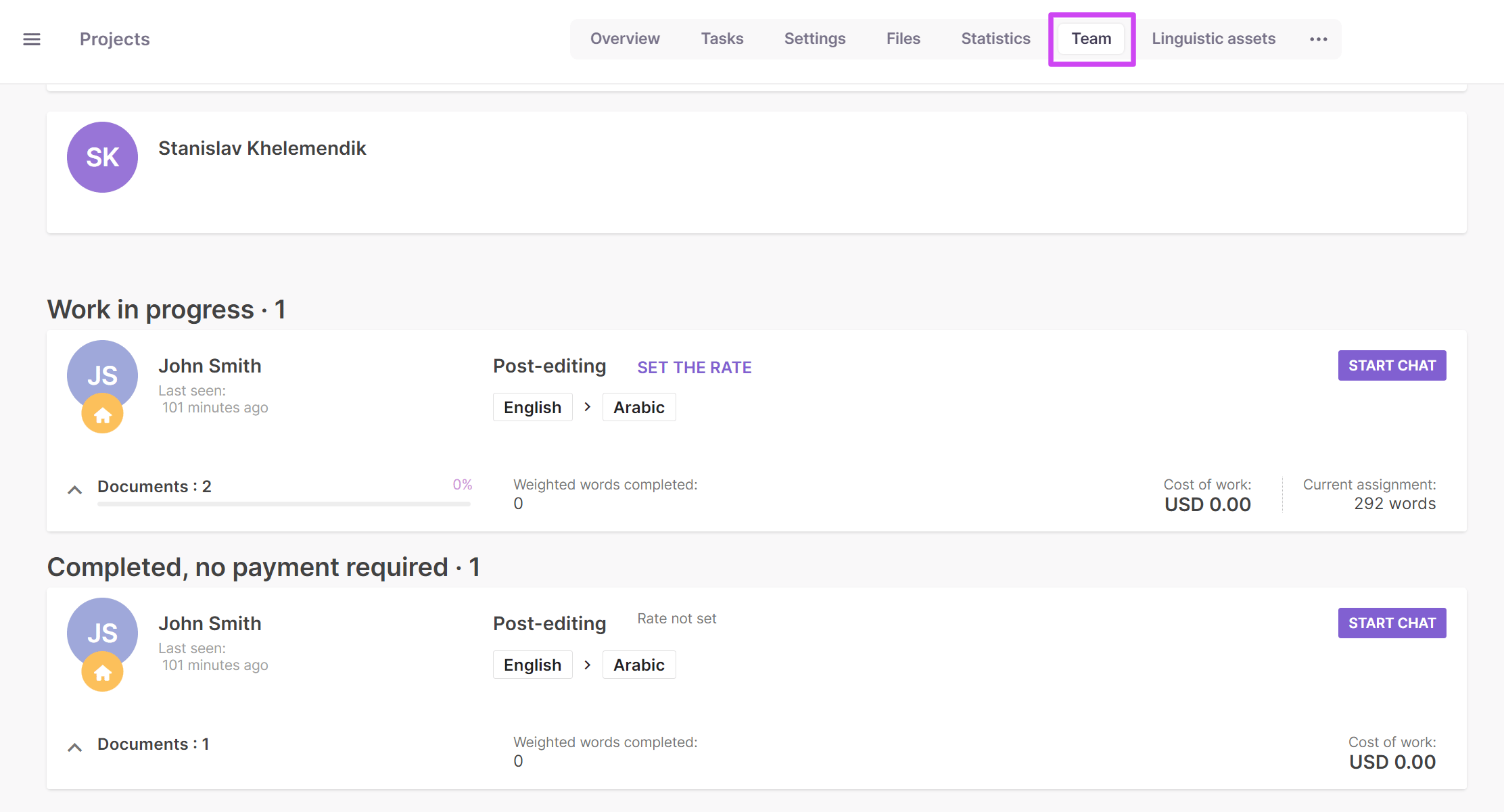
Assignment progress is available on the client end and appears in the Team tab of a project.
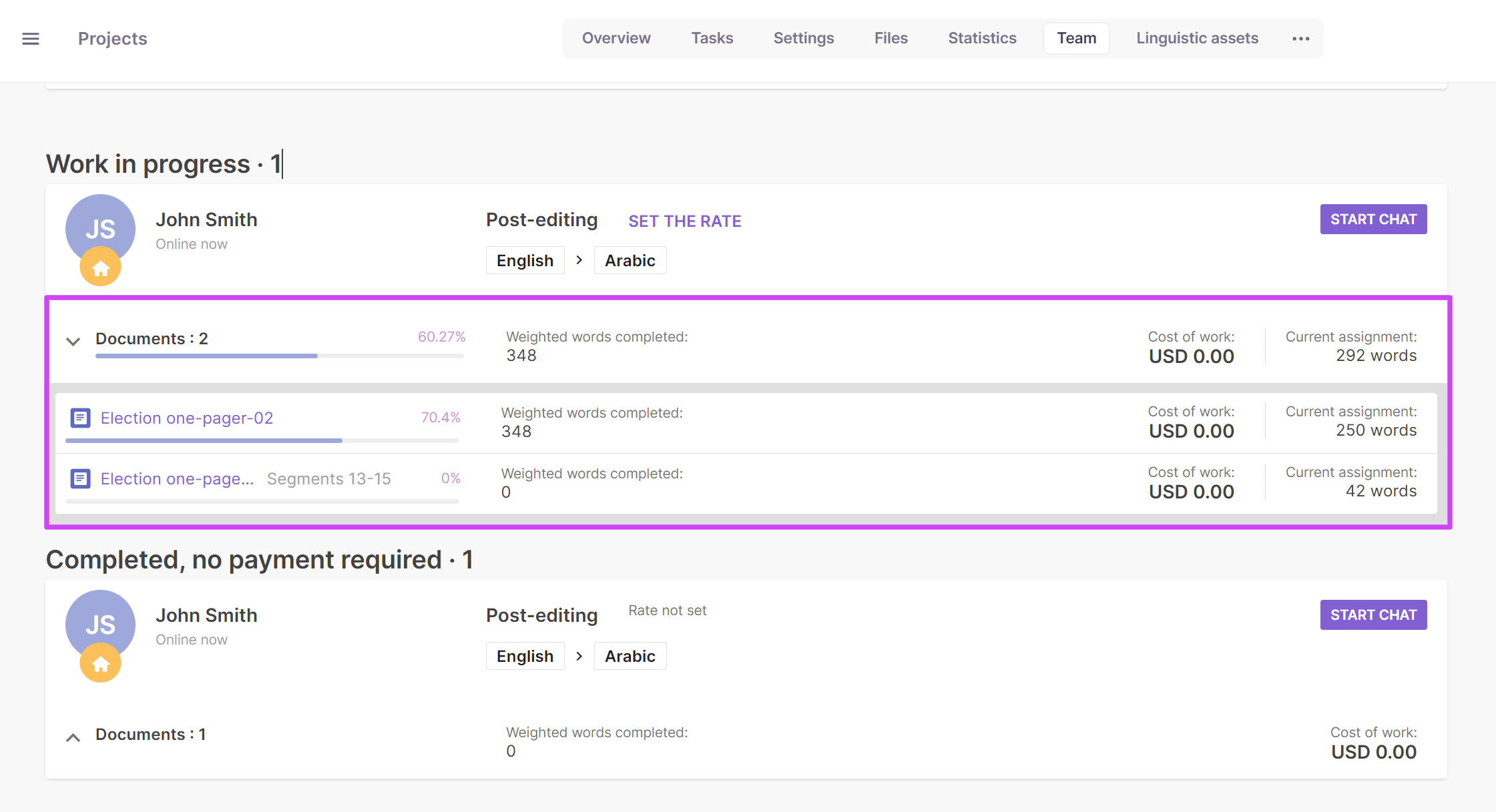
Fully assigned documents or only a range of segments appear in the dropdown to the right of the assignment progress bar. The assignment progress bar in the screenshot does not correspond to the document progress bar, because the linguist has only 8 words of 25 — 32% of the total word count — which is also 8 words out of 8 — 100% of the assignment — the range assigned by the project manager.
Because progress changes dynamically, if the project manager assigns a copy of the original document (25 words) to the freelancer without splitting it, the assignment progress bar adjusts accordingly.
Document progress
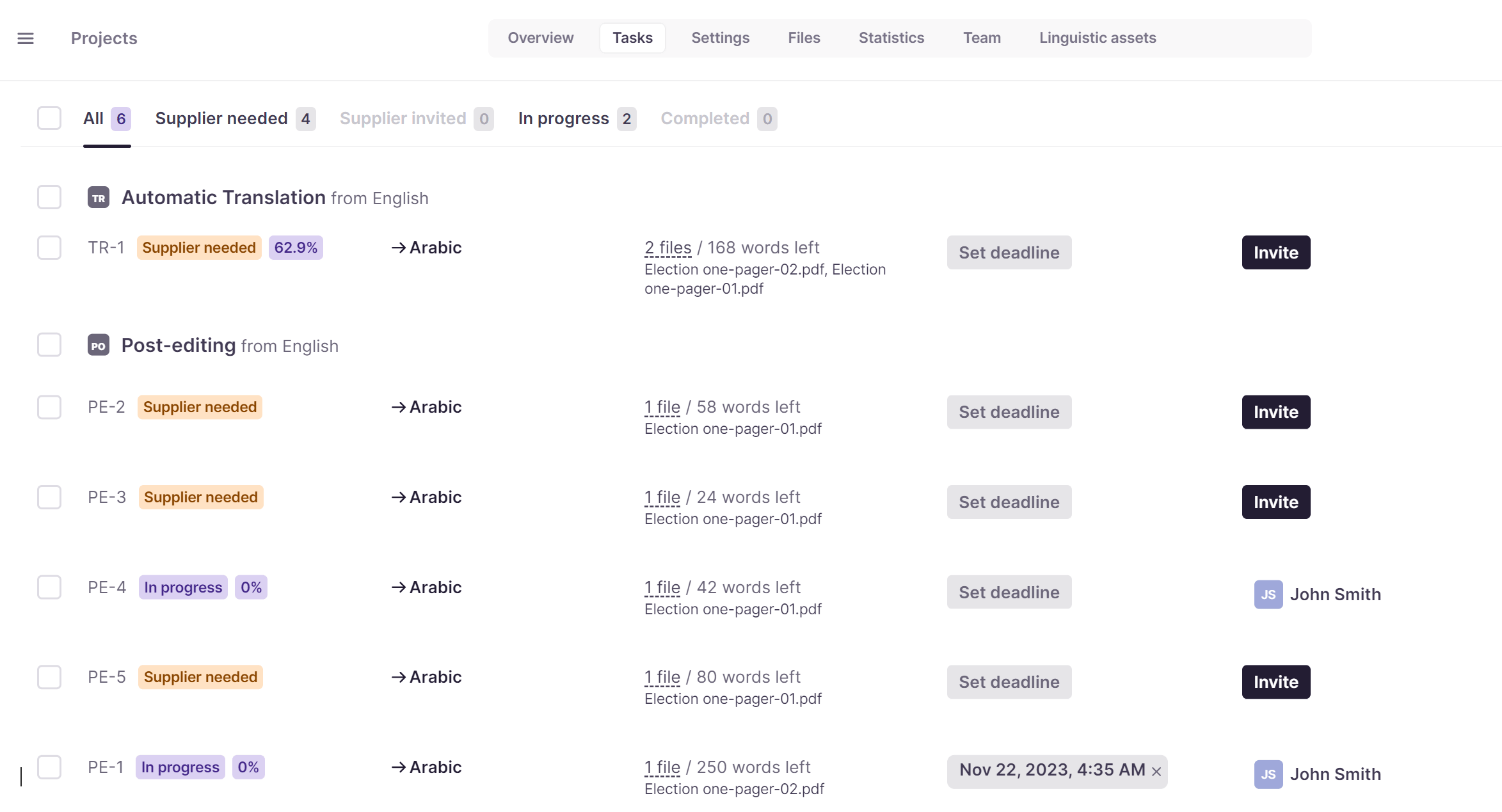
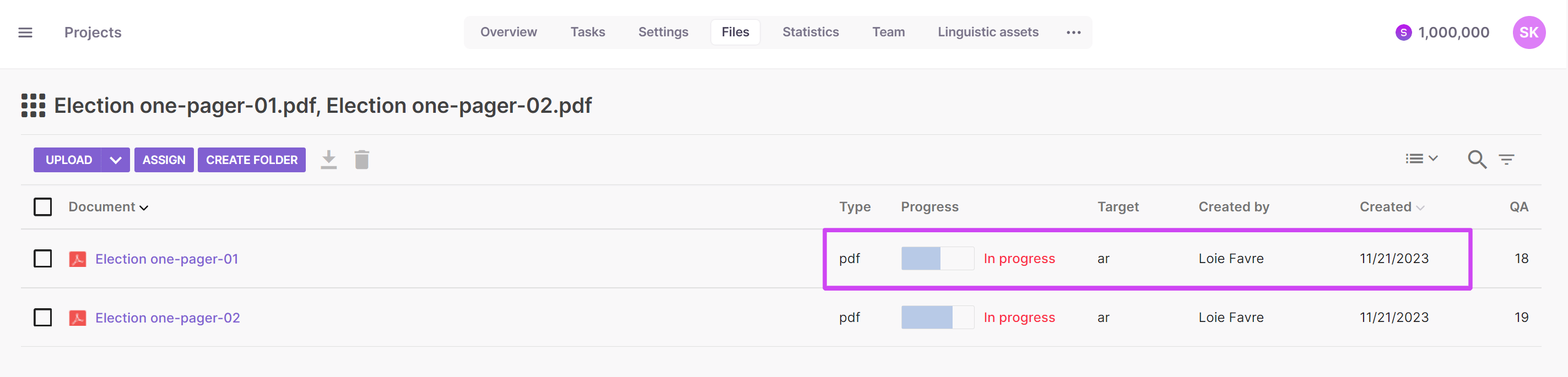
If the document is split between multiple assignees, the document progress bar on the project page or within the CAT editor indicates the progress of the overall stage (for example, translation), not the progress of individual participants. So if someone is assigned 50% of the document, once they complete their portion, the progress bar indicates 50% even though their assignment is complete.
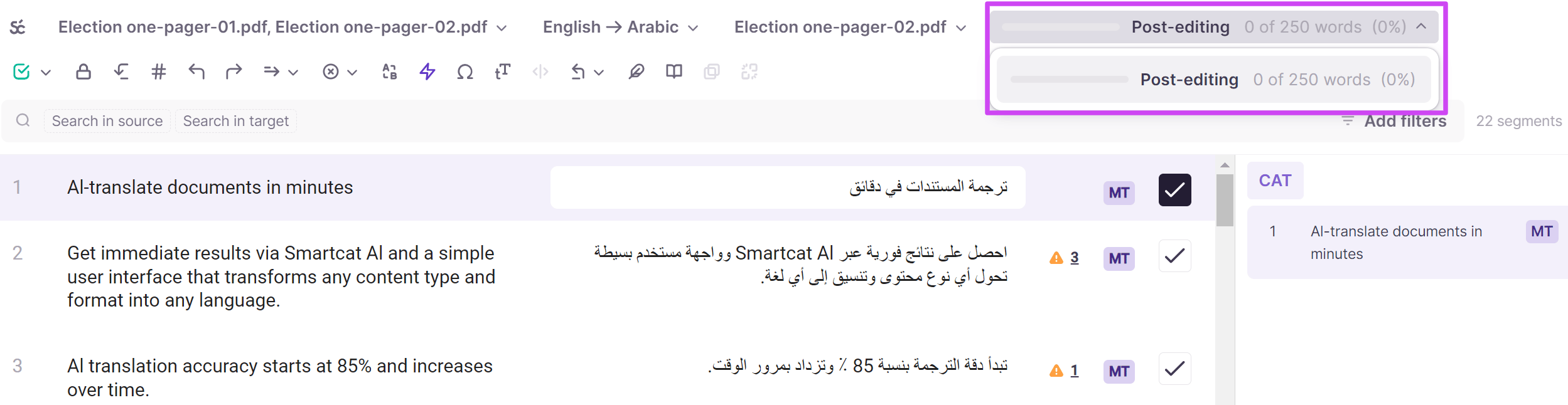
Assigned linguists can view only the progress of their stage, while the project manager can view the progress of each stage.
Project progress
Overall project progress is available to both the project manager and assigned linguists. Assignees can check project progress in the Workspace by placing the cursor on the project progress bar.
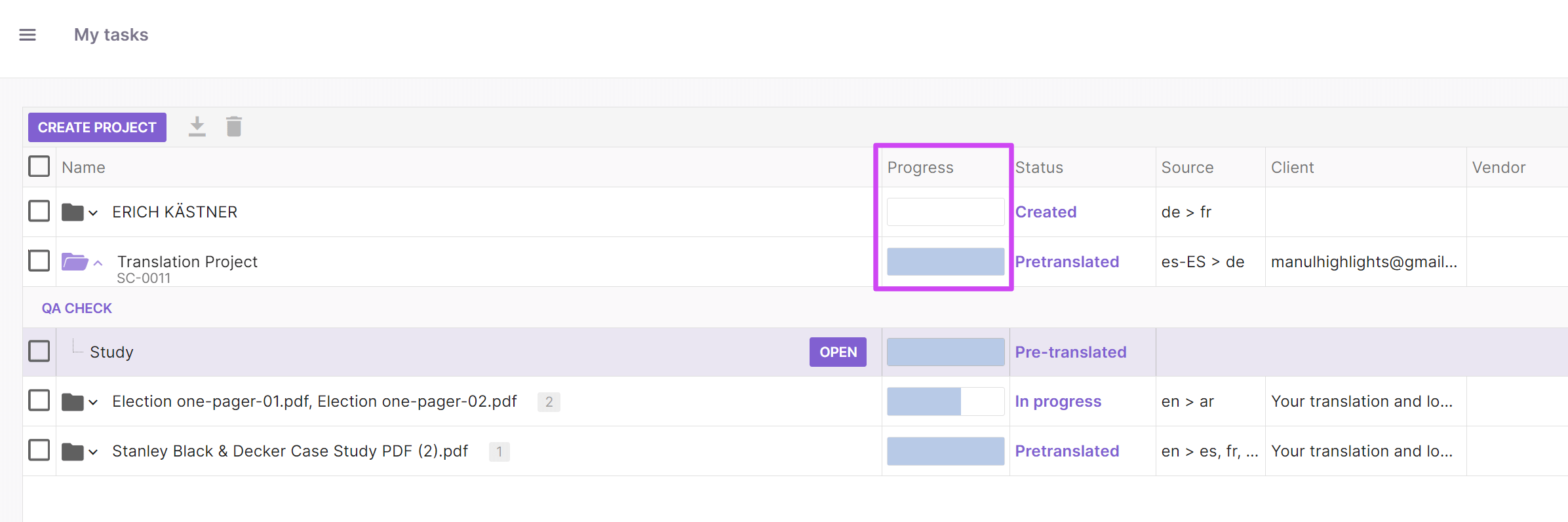
A project manager can check project progress the same way as assignees, or go to the project page — the Files or Team tabs.
FAQs
What's the difference between assignment progress and document progress?
Assignment progress reflects how much of an individual linguist's specific assignment is complete. Document progress reflects the overall stage completion (e.g., translation) across all assignees combined — so if a document is split 50/50 between two people and only one finishes, document progress shows 50%, not 100%, even though that person's own assignment is complete.
Where do I see assignment progress as a client?
In the Team tab of a project, where the assignment progress bar appears for each assignee.
Why does the assignment progress bar sometimes look different from the document progress bar?
Because they track different things — assignment progress reflects only the range of segments (or documents) assigned to that specific person, while document progress reflects the whole document or project stage.
Does progress update in real time?
Yes, progress tracking is dynamic and adjusts automatically as translators work and as assignments change (e.g., if a project manager assigns more of the document to someone).
Want to learn more?
See how Smartcat can transform your localization workflow.
Still need help?
Our support team responds within one business day.