Customize your branded Client Portal
Overview
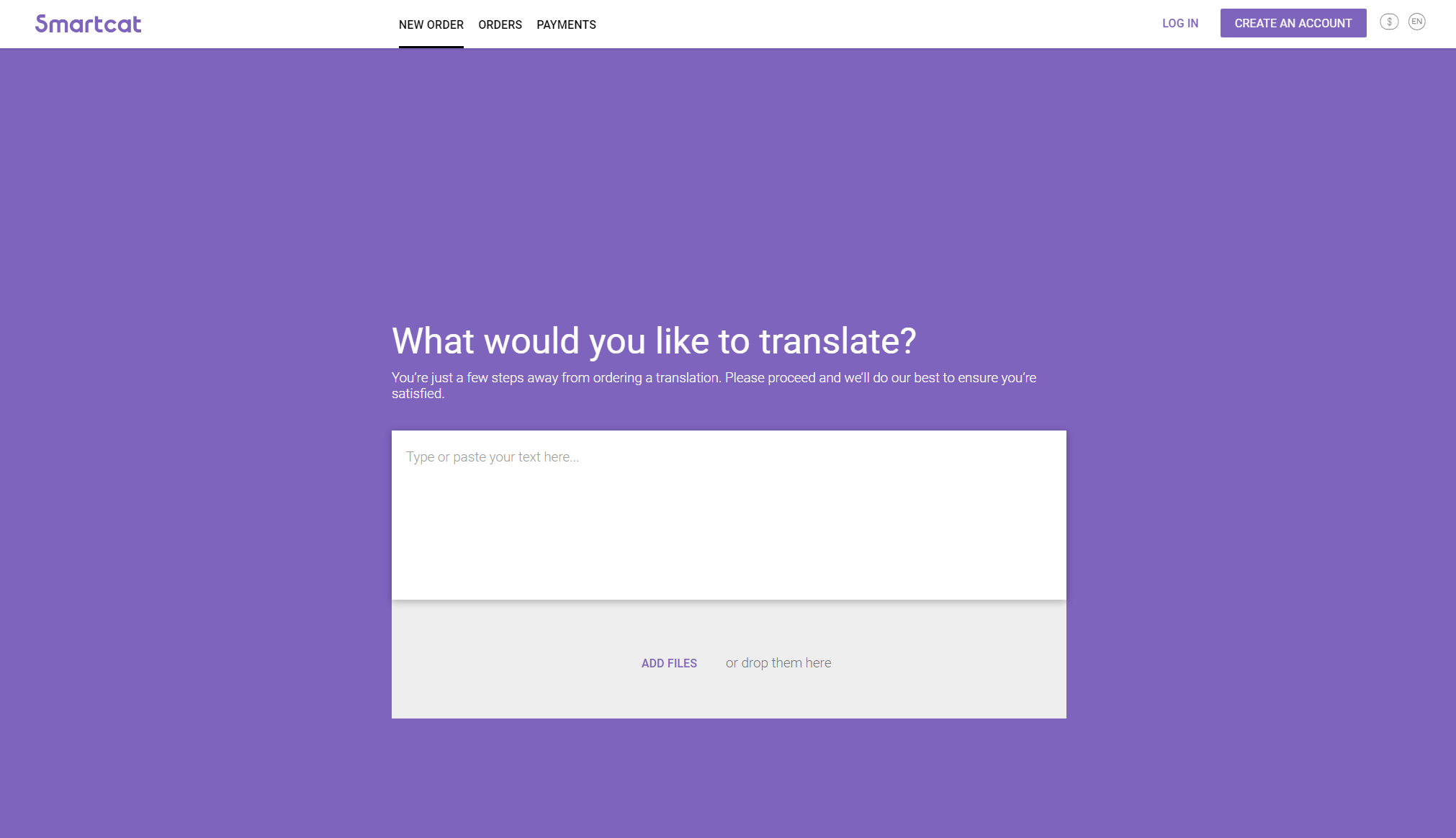
If you have a paid subscription, you can customize the design of your Client Portal. By default, the standard Smartcat portal looks like this:
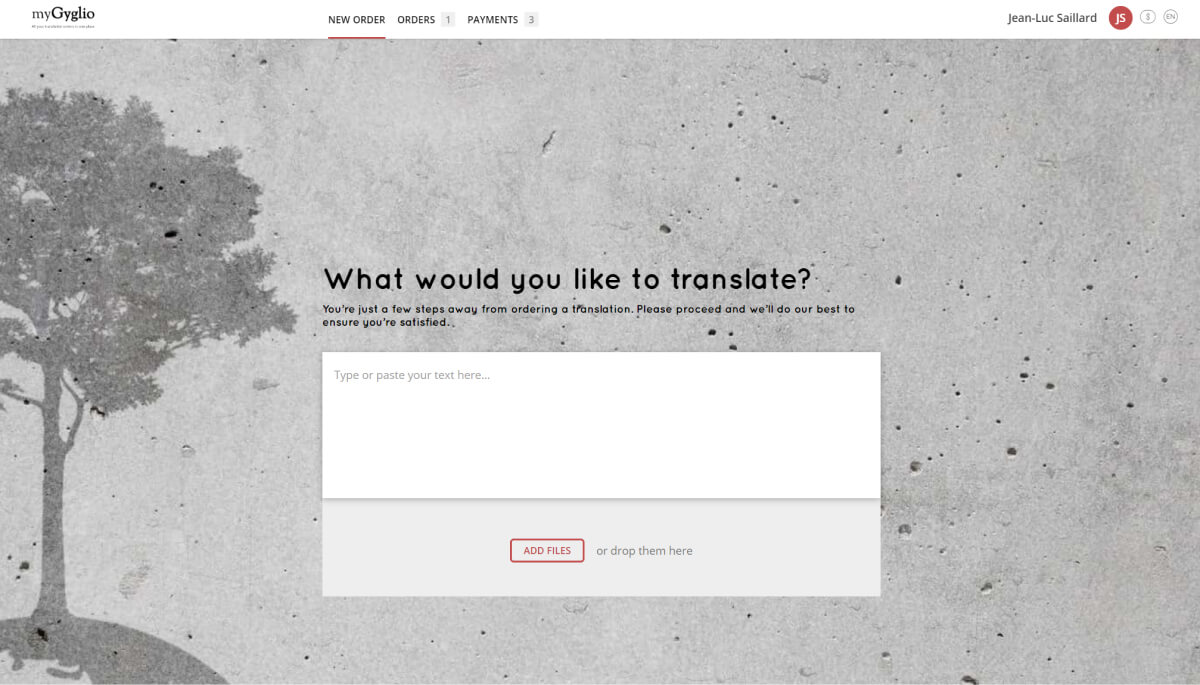
You can also customize the portal with your logo, colors, and fonts to match the overall look of your corporate site. For example:
Information needed for customization
Your customer success representative can provide you with a list of the information needed to complete the customization process. To set up your branded portal, you provide the following:
-
The primary URL of your company website. Example: http://www.mycompany.com
-
The domain (a subdomain of the primary domain used for your website) you want to use for the portal. Example: orders.mycompany.com
-
Contact information such as phone and email
-
The colors you want to use for the portal. Every button can be colored to your preference using HEX color values (example: #C71585). If this is your first time, you can use a tool like https://www.colorcodepicker.com/ to get HEX values
-
Links to your Terms of Use and Privacy Policy, if you have them, or a deadline calculation formula
📌 You also set up a CNAME record on your DNS server for the portal domain. Your customer success representative can help you if you are not sure how to do this.
FAQs
Do I need a paid subscription to customize my Client Portal?
Yes. Client Portal branding customization is available only with a paid subscription.
What information do I need to provide to get my portal branded?
Your company website URL, the subdomain you want to use for the portal (e.g., orders.mycompany.com), contact information, HEX color values for buttons, and links to your Terms of Use and Privacy Policy (or a deadline calculation formula).
Who sets up the technical parts, like the domain configuration?
Your customer success representative helps configure this, including setting up the CNAME record on your DNS server if you're not sure how.
Can I use any color scheme I want for the portal buttons?
Yes, using HEX color values — tools like colorcodepicker.com can help you find the exact HEX code for your brand colors.
Want to learn more?
See how Smartcat can transform your localization workflow.
Still need help?
Our support team responds within one business day.